






What is SSD and HDD: what is the difference and what is better to choose?
15/11/2024
What is SSD and HDD: what is the difference and what is better to choose?
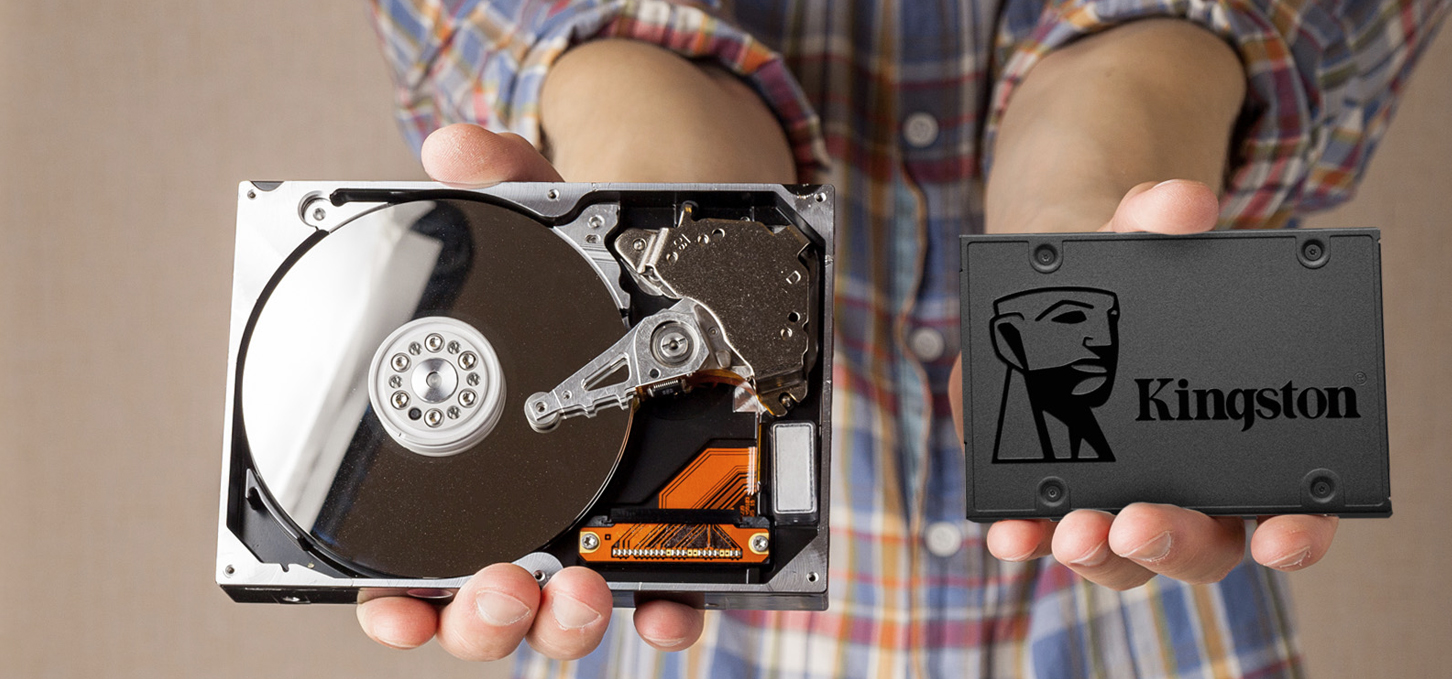
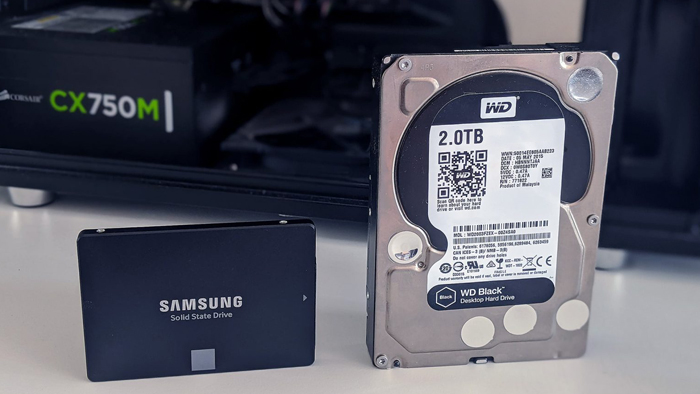
These days, every gamer and PC user is faced with a choice between SSD (Solid State Drive) and HDD (Hard Disk Drive). This decision can have a significant impact on your computer's performance, responsiveness and overall user experience. How do you choose the best drive for your needs? In this review, as an experienced gaming computer expert, I will explain the differences between SSD and HDD in detail and help you make an informed decision.
Technology Basics: How HDD works
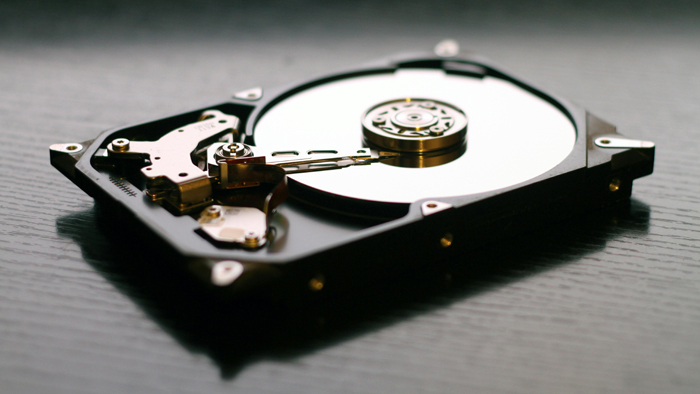
To understand whether an HDD drive is right for your PC, you need to understand how it works.
HDD: capacity and availability
HDD uses rotating platters to write data, which is what makes it special:
Capacity: Offers more capacity for less UAH. As of 2025, a terabyte HDD can cost less than an SSD of the same capacity.
Cost: Affordability and moderate price make HDD an ideal choice for storing large amounts of data without significant costs.
Technology Basics: How SSDs Work
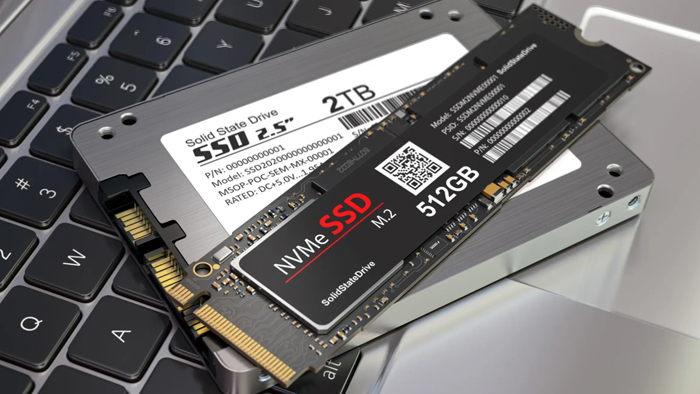
Let's also look at how SSDs work.
SSD: speed and reliability
SSD uses flash memory to store data. This means it has no moving parts, which makes it:
Fast: On average, an SSD loads an operating system and large applications several times faster than an HDD.
Resistant to damage: No mechanical parts means less vulnerability to physical damage and wear and tear.
Quiet: No noise associated with head rotation and movement.
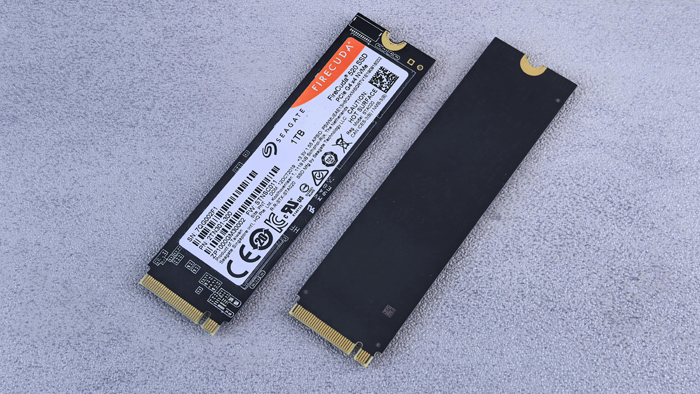
Pros and cons of using an SSD
Let's look at the disadvantages and advantages of using SSDs.
Disadvantages of using SSD:
Price: The cost per gigabyte is still higher than HDD.
Limited rewrite: Theoretically, flash memory has a limited number of rewrite cycles.
Advantages of using SSD:
Instant access to data: Ideal for speedy performance in games where latency is critical.
Accelerated task performance: Faster system and program loading times.
Durability: Longer life without the risk of mechanical failure.
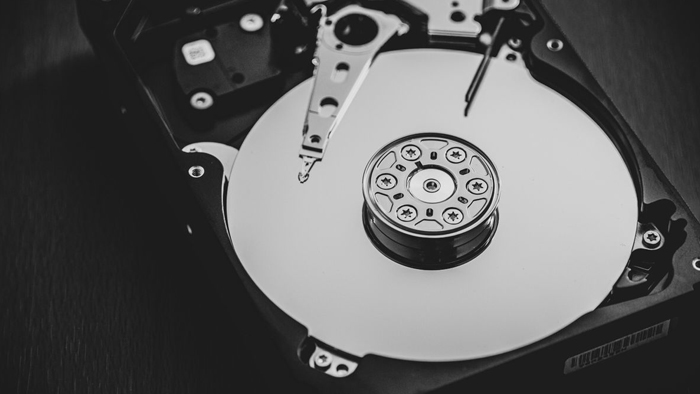
Pros and cons of using HDD
We will also look at the advantages and disadvantages of using HDDs.p
Advantages of using HDD:
Affordability: The cost per gigabyte is much cheaper.
Capacity: It is easier to find multi-terabyte drives at an affordable price.
Disadvantages of using HDD:
Speed: You'll have to sacrifice boot time and access speed.
Physical vulnerability: More susceptible to physical damage.
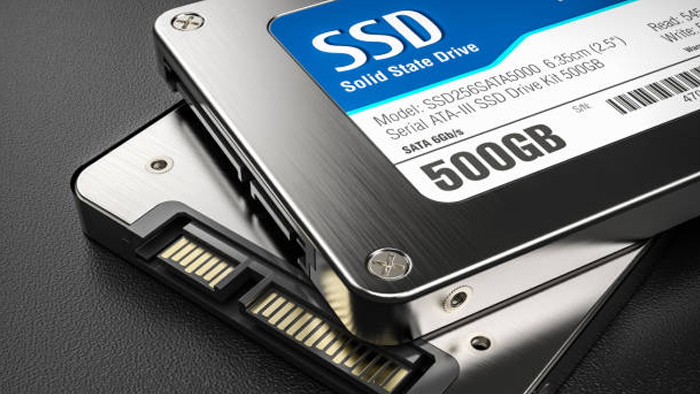
Which drive to choose: best practices
So, after analyzing and comparing review, let's look at the ultimate question - how to choose between SSD and HDD? It all depends on your needs and budget.
Choosing SSD: Ideal for gamers and suitable for professionals- If you are looking for maximum performance in gaming, SSD is your choice. It will ensure instant loading of game locations and reduce system boot time. If your PC performs demanding tasks such as video work or 3D rendering, SSD will provide the speed and reliability you need.
Choosing HDD: Best Choice for Archiving and Budget Saving If you need to store large amounts of data such as movies, music and archives, HDD is thebest choice because of its capacity and affordability. HDD is suitable for those who want maximum capacity with minimum investment.
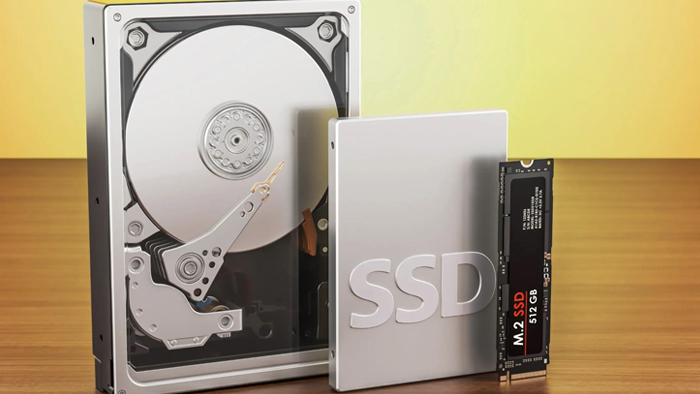
SSD and HDD sharing
Sharing. Hybrid solution: Many modern PCs and gaming computers are equipped with both SSD and HDD. This allows you to use the SSD to install the operating system and games, while the HDD serves as storage for other data.
As a result, the choice between SSD and HDD depends on your individual needs. If your budget allows, combining both types of drives may be the best solution, providing a balance between speed and storage capacity. Regardless of your choice, understanding the characteristics of each drive ensures that your gaming PC will meet all of your expectations and requirements.
Gaming PC gaming computers
Gaming Pc gaming computers are equipped with premium SSD and HDD drives with maximum performance and reliability to ensure high system performance and stability.
 Free
Free shipping

Processor: Intel Core Ultra 9 285K
Video card: GeForce RTX 5070 Ti, 16GB
RAM: 32GB (16GBx2) DDR5 5600
Motherboard: ASRock Z890 PRO-A
SSD M2:SSD M.2 1TB / M.2 MSI M470 Pro
Free shipping
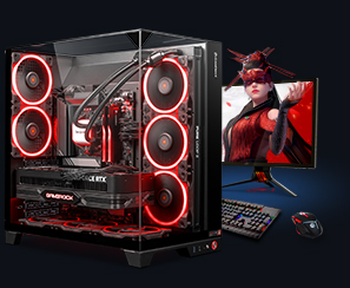
Processor: AMD Ryzen 7 7700
Video card: GeForce RTX 5070 Ti, 16GB
RAM: 32GB (16GBx2) DDR5 5600
Motherboard: Gigabyte B650M Gaming Plus WiFi
SSD M2:SSD M.2 1TB / M.2 MSI M470 Pro
Free shipping

Processor: Intel Core i5-12400F
Video card: GeForce RTX 3050, 6GB
RAM: 16GB (8GBx2) DDR4 3200 MHz
Motherboard: Gigabyte B760M DS3H DDR4
SSD M2:SSD M.2 500GB / Gigabyte Gen4 4000E
Free shipping
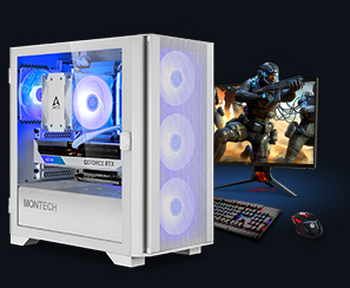
Processor: Intel Core i5-12400F
Video card: GeForce RTX 3050, 6GB
RAM: 32GB (16GBx2) DDR4 3200 MHz
Motherboard: Gigabyte B760M DS3H DDR4
SSD M2:SSD M.2 1TB / M.2 MSI M470 Pro
Free shipping

Processor: Intel Core i3-13100F
Video card: GeForce RTX 3050, 6GB
RAM: 16GB (8GBx2) DDR4 3200 MHz
Motherboard: Gigabyte H610M H V2 DDR4
SSD M2:SSD M.2 1TB / M.2 MSI M470 Pro
Free shipping

Processor: Intel Core i5 13600KF
Video card: GeForce RTX 5080, 16GB
RAM: 32GB (16GBx2) DDR5 5600
Motherboard: Asus TUF Gaming B760M-Plus II
SSD M2:SSD M.2 1TB / M.2 MSI M470 Pro
Free shipping
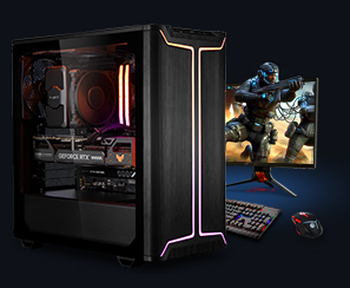
Processor: Intel Core i5 14600KF
Video card: GeForce RTX 5080, 16GB
RAM: 32GB (16GBx2) DDR5 5600
Motherboard: Asus TUF Gaming B760M-Plus II
SSD M2:SSD M.2 1TB / M.2 MSI M470 Pro
Free shipping

Processor: Intel Core i7-14700KF
Video card: GeForce RTX 5080, 16GB
RAM: 32GB (16GBx2) DDR5 5600
Motherboard: Gigabyte Z790 Eagle AX
SSD M2:SSD M.2 1TB / M.2 MSI M470 Pro
Free shipping

Processor: Intel Core i7-13700KF
Video card: GeForce RTX 5080, 16GB
RAM: 32GB (16GBx2) DDR5 5600
Motherboard: Gigabyte Z790 Eagle AX
SSD M2:SSD M.2 1TB / M.2 MSI M470 Pro
Free shipping

Processor: Intel Core i9-13900KF
Video card: GeForce RTX 5080, 16GB
RAM: 32GB (16GBx2) DDR5 5600
Motherboard: MSI Z790 Gaming Plus WiFi
SSD M2:SSD M.2 1TB / M.2 MSI M470 Pro
Recommended reading
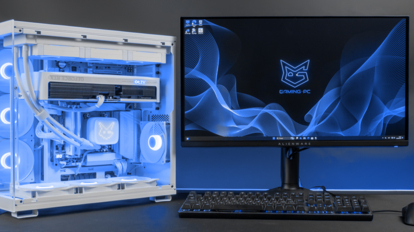
How to Check CPU Temperature: A Complete Guide for Gamers
Every gamer and high-performance PC owner eventually wonders if their hardware is running fine under heavy loads. The central processing unit is the...
More details
How to clean a computer from dust
Dust is one of the worst enemies of computers and gaming systems. In Ukraine, as well as all over the world, many users face problems caused by dust...
More details
Computer for Dune: Awakening
Dune: Awakening is an ambitious multiplayer game that brings the iconic Dune universe into a modern MMO format with elements of survival, exploration...
More details