






How often should I change the thermal paste on my gaming PC?
19/04/2024
The importance of replacing thermal paste
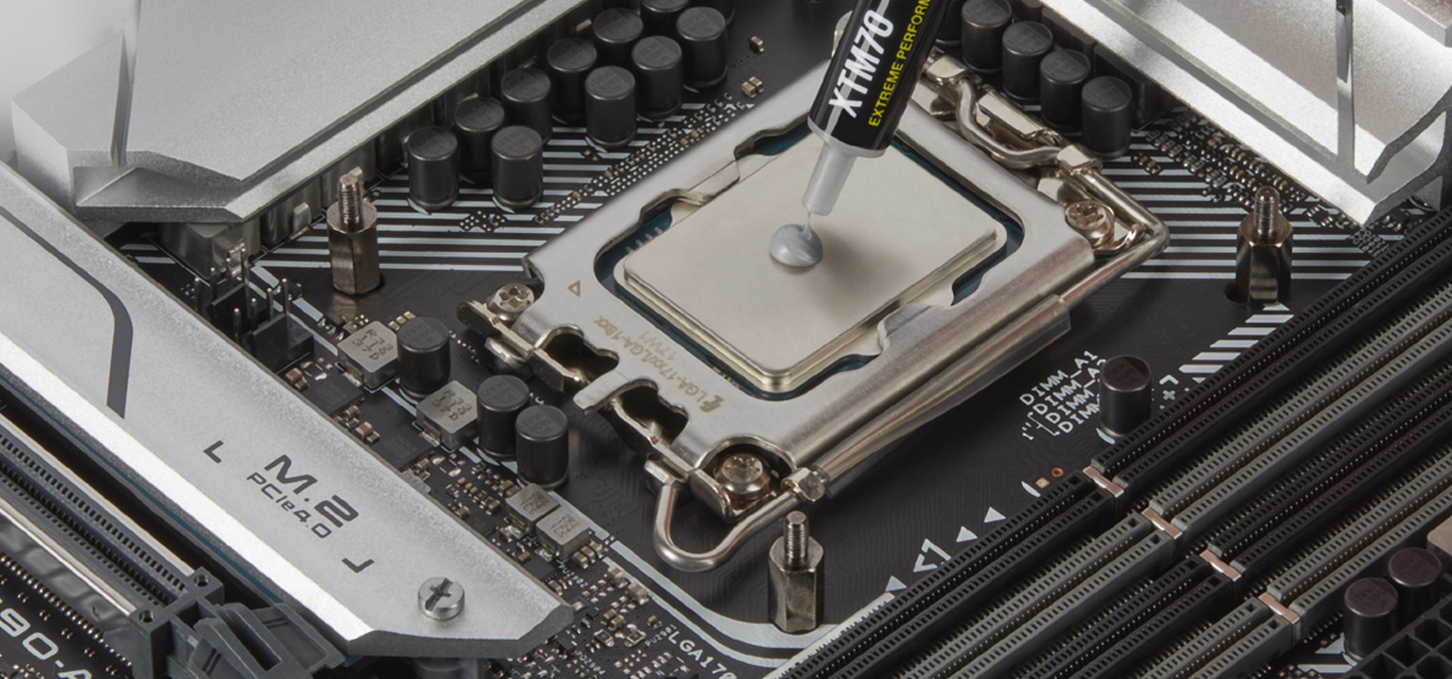
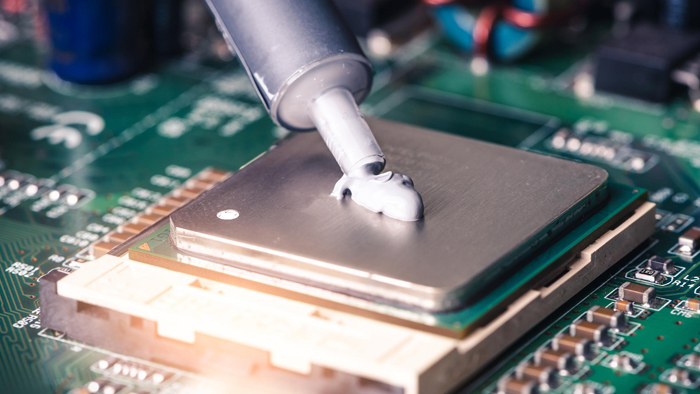
Thermal paste is a special heat conducting material that is mainly used to provide better heat transfer between the processor and the cooling system. The main way to maintain efficient cooling is to change the thermal paste regularly. Maintaining an optimal temperature is the main aspect to ensure stable and reliable performance of a gaming computer. However, not everyone knows how often to change the thermal paste on a gaming PC.
The most heat in a gaming PC is generated by the video card and CPU, which use a heatsink to cool them. But their surfaces can not be perfectly flat, so there is a microscopic gap between them, which impairs heat transfer, resulting in higher temperatures and lower system performance, causing problems associated with overheating. Thermal paste is used to fill this gap. However, due to various factors and the influence of time, it loses its effectiveness and dries out. In order to protect your system from overloading and wear and tear of components, you should replace the thermal paste on your gaming computer from time to time.
How often you should change the thermal paste on your PC
The frequency of thermal paste replacement may depend on the following factors:
The type of component and its load level
The load on the component
The manufacturer of the thermal paste
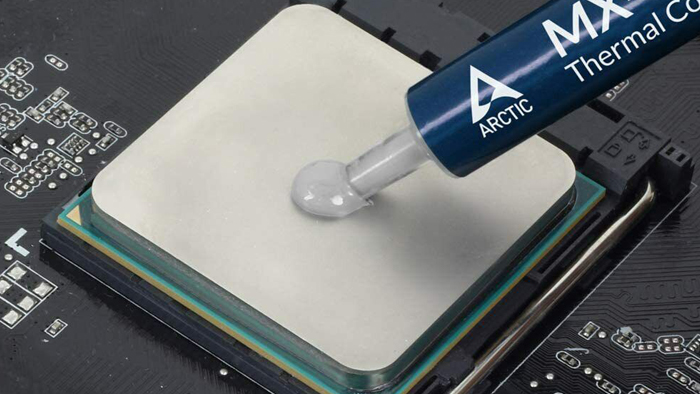
For most gaming PCs, users should change the thermal paste approximately every 12-24 months.
If you're going to use Intel or AMD CPUs within factory settings, meaning you're not overclocking them, then a period of 1-2 years should be sufficient. however, for high-performance and overclocked CPUs that require maximum efficiency, such as water cooling, then it is better to change it every 6-12 months.
How to identify the need for thermal paste replacement in time and maintain performance
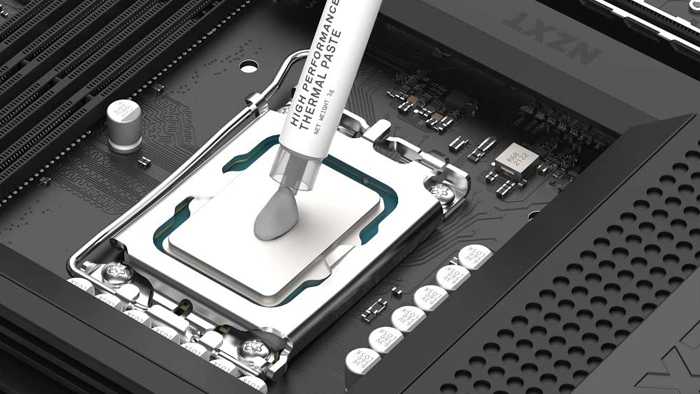
The need to change the thermal paste can manifest itself in various signs and the main sign is a constant increase in temperature. If during the idle time of the PC the temperature of the processor is more than 55 degrees or more than 85 degrees during the usual load, it may indicate the loss of thermal paste of its effectiveness and the need to change it and at the same time clean the fans from dust.
The next sign is a deterioration in performance. If the system unit has been experiencing crashes and slowing down in gaming sessions or other intensive use, the problem may also lie in poor heat transfer due to unsuitable paste.
Replacing it regularly on your computer is an important aspect to ensure optimal cooling, performance and longevity of the system. Replacement intervals can vary depending on certain circumstances, so it's worth keeping an eye out for any signs of wear and temperature rise to ensure long and reliable performance.
Gaming PC gaming computers
Gaming Pc gaming computers are assembled from the highest quality components and designed to maximize your enjoyment of virtual worlds with stunning graphics and unmatched comfort.
 Free
Free shipping

Processor: Intel Core i5-12400F
Video card: GeForce RTX 3060, 12GB
RAM: 32GB (16GBx2) DDR4 3200 MHz
Motherboard: Gigabyte B760M DS3H DDR4
SSD M2:SSD M.2 1TB / Kingston NV3
Free shipping

Processor: Intel Core i5-12400F
Video card: GeForce RTX 3050, 6GB
RAM: 32GB (16GBx2) DDR4 3200 MHz
Motherboard: Gigabyte B760M DS3H DDR4
SSD M2:SSD M.2 1TB / Kingston NV3
Free shipping

Processor: Intel Core i5-12400F
Video card: GeForce RTX 3060, 12GB
RAM: 32GB (16GBx2) DDR4 3200 MHz
Motherboard: Gigabyte B760M DS3H DDR4
SSD M2:SSD M.2 1TB / Kingston NV3
Free shipping
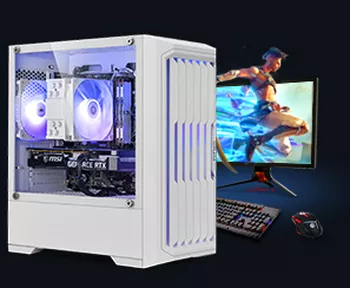
Processor: Intel Core i5-12400F
Video card: GeForce RTX 3050, 6GB
RAM: 32GB (16GBx2) DDR4 3200 MHz
Motherboard: Gigabyte B760M DS3H DDR4
SSD M2:SSD M.2 1TB / Kingston NV3
Free shipping
Processor: Intel Core i3-13100F
Video card: GeForce RTX 3050, 6GB
RAM: 16GB (8GBx2) DDR4 3200 MHz
Motherboard: Gigabyte H610M H V2 DDR4
SSD M2:SSD M.2 500GB / Kingston NV3
Free shipping
Processor: Intel Core i3-13100F
Video card: GeForce RTX 3050, 6GB
RAM: 16GB (8GBx2) DDR4 3200 MHz
Motherboard: Gigabyte H610M H V2 DDR4
SSD M2:SSD M.2 1TB / Kingston NV3
Free shipping

Processor: Intel Core i3-13100F
Video card: GeForce RTX 3060, 12GB
RAM: 32GB (16GBx2) DDR4 3200 MHz
Motherboard: Gigabyte H610M H V2 DDR4
SSD M2:SSD M.2 1TB / Kingston NV3
Free shipping

Processor: Intel Core i3-13100F
Video card: GeForce RTX 3060, 12GB
RAM: 32GB (16GBx2) DDR4 3200 MHz
Motherboard: Gigabyte H610M H V2 DDR4
SSD M2:SSD M.2 1TB / Kingston NV3
Free shipping

Processor: Intel Core i5-13400F
Video card: GeForce RTX 3060, 12GB
RAM: 32GB (16GBx2) DDR4 3200 MHz
Motherboard: Gigabyte B760M DS3H DDR4
SSD M2:SSD M.2 1TB / Kingston NV3
Free shipping
Processor: Intel Core i5-13400F
Video card: GeForce RTX 3060, 12GB
RAM: 32GB (16GBx2) DDR4 3200 MHz
Motherboard: Gigabyte B760M DS3H DDR4
SSD M2:SSD M.2 1TB / Kingston NV3