






How do you make your computer a gaming computer?
18/04/2024
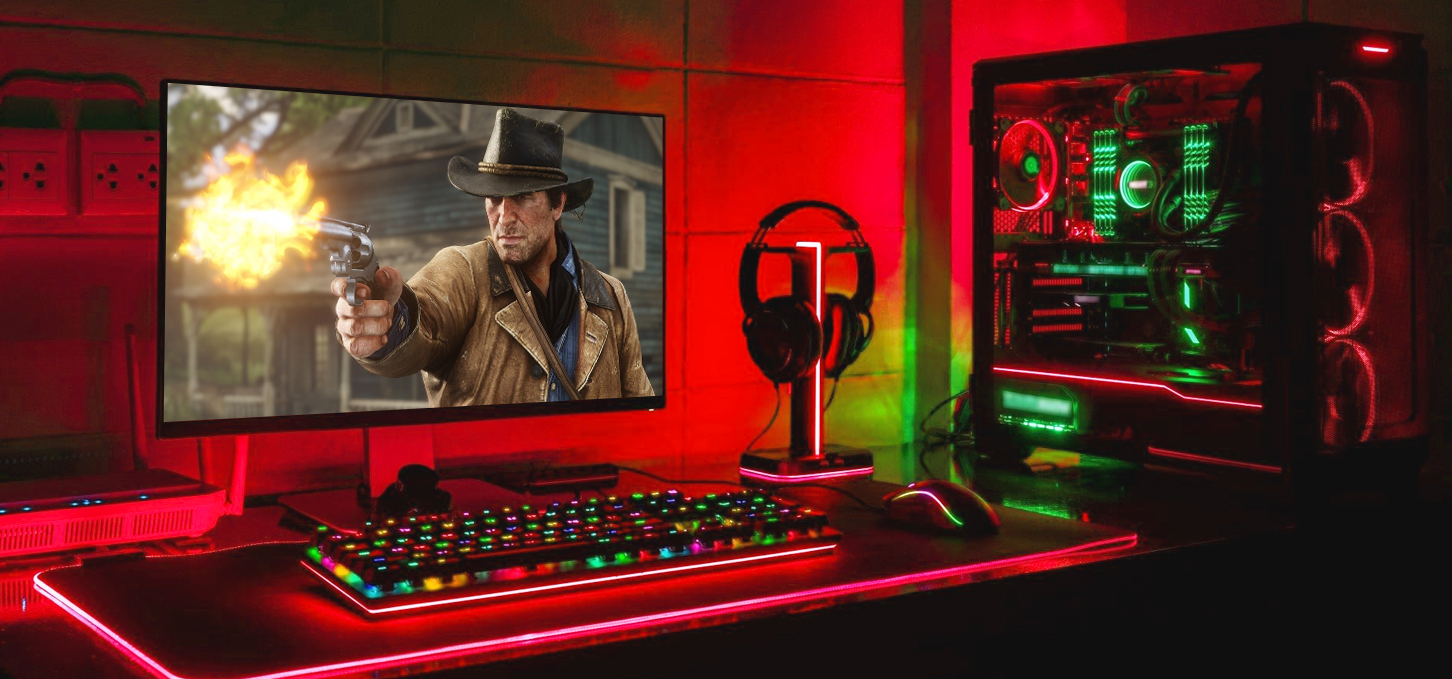
Mastering Gaming: A guide to turning your computer into a gaming machine
Every year video games improve and become more and more attractive in terms of graphics and gameplay, but at the same time they become more demanding to the components of a personal computer. So you need a proper modern PC to play modern projects comfortably. With the right approach and guidance, you will learn how to make your computer gaming and meet your needs.
To begin with, you need to determine what exactly the requirements require those games that you plan to conquer, because the more demanding the game, the more computer resources you need. Having assessed the level of requirements and budget, you can proceed to the direct selection of components, namely we need:
Processor and cooling for it
Motherboard
Video card
RAM
SSD drive
Power supply
Case
It is important to choose components that fit together, because the wrong choice may cause conflicts or even the impossibility of connection. The basis of a gaming PC is a high-level graphics card, a powerful processor, enough RAM and SSD drive.
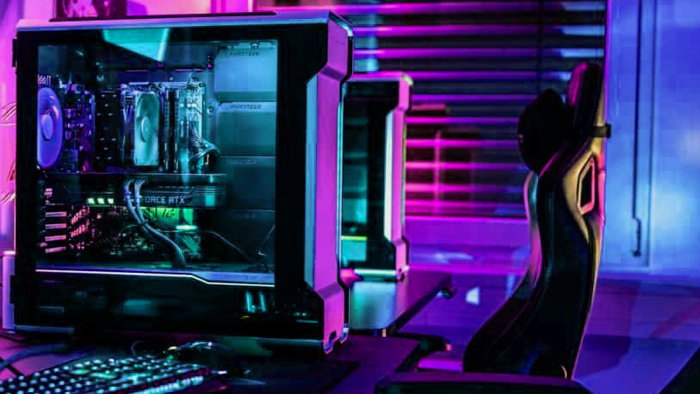
Choosing components for a gaming PC: how to choose the perfect processor and graphics card
The processor can be called the brain of the computer, which is responsible for processing data and executing commands. There are two major manufacturers in the lead here - AMD and Intel. It is difficult to say which one is better, because they are at about the same level and are equally used in certain tasks.
For a powerful gaming PC you need a CPU with a large number of cores and threads, as a rule, it is a processor with 8 high-performance cores, for example, Ryzen 7 or Core i7 of the latest generations, which can be expensive, but will be relevant for a long time. Core i9 and Ryzen 9 will be a better choice if you need the computer for other high-performance purposes, such as streaming or certain work tasks.
As a more affordable option will fit Core i5 or Ryzen 5, with support for a new type of RAM - DDR5, which is much faster than the previous version. If the budget is very limited, to start the whole path of the gamer is worth with Intel Core i3 or AMD Ryzen 5, which have support for DDR4 RAM, which is still relevant and is cheaper. The more powerful CPU, the more effective cooling for it is needed, because high temperatures can lead to damage to components and their breakdown. Having determined the generation and series of the processor, you need to choose a motherboard with the appropriate socket. Take into account the number of required connectors and form factor.
The primary role in gaming is played by the video card, so its purchase is a large part of the budget. We advise you not to save money and choose a powerful graphics card of the new or previous generation from NVIDIA or AMD. New variants of RTX 40th and AMD 7000th series show unrivaled results thanks to the painstaking work of manufacturers and lead the market of performance solutions. They can easily handle all new products and their requirements.
Improving your gaming PC: steps to the perfect system
Many games require 16GB RAM or more, so this becomes the starting point in the world of gaming. For powerful machines, 32GB RAM and more is recommended, because the needs are constantly growing. For entry level DDR4 will be the optimal choice, but looking into the future and taking into account the capabilities of the CPU, for premium level builds choose DDR5 with high frequency.
Evolution does not stand still, so instead of a hard disk we choose SSD drives, which are significantly superior to HDD in data transfer speed. New M.2 SSDs connect to the motherboard's PCIe interface, which provides incredible speeds.
When choosing a power supply unit, do not save money, as it directly affects the integrity and performance of all previous components. We choose the power supply depending on the needs of the video card and processor with a certain excess for smooth and stable operation.
The case is selected depending on the form factor of the motherboard, the number of installed coolers and aesthetic appearance. It is important to have dust filters, which will improve airflow and improve cooling inside.
There are certain problems and questions that can arise when making a computer a gaming computer. If you are wondering how to turn an old PC into a gaming PC or are having trouble making a choice, the Gaming Pc team can help you find a modern computer or upgrade your old system unit so that its power meets all your needs while staying within your budget.
Gaming PC gaming computers
Gaming PCs from Gaming Pc are built with premium components and are ideal for conquering the virtual world with great graphics and maximum comfort.
 Free
Free shipping

Processor: Intel Core Ultra 9 285K
Video card: GeForce RTX 5070 Ti, 16GB
RAM: 32GB (16GBx2) DDR5 5600
Motherboard: ASRock Z890 PRO-A
SSD M2:SSD M.2 1TB / M.2 MSI M470 Pro
Free shipping
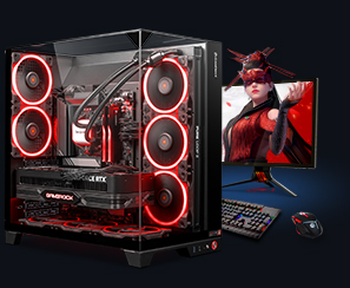
Processor: AMD Ryzen 7 7700
Video card: GeForce RTX 5070 Ti, 16GB
RAM: 32GB (16GBx2) DDR5 5600
Motherboard: Gigabyte B650M Gaming Plus WiFi
SSD M2:SSD M.2 1TB / M.2 MSI M470 Pro
Free shipping

Processor: AMD Ryzen 7 7800X3D
Video card: GeForce RTX 5080, 16GB
RAM: 32GB (16GBx2) DDR5 5600
Motherboard: Gigabyte B650M Gaming Plus WiFi
SSD M2:SSD M.2 1TB / M.2 MSI M470 Pro
Free shipping

Processor: Intel Core i5-12400F
Video card: GeForce RTX 3050, 6GB
RAM: 16GB (8GBx2) DDR4 3200 MHz
Motherboard: Gigabyte B760M DS3H DDR4
SSD M2:SSD M.2 500GB / Gigabyte Gen4 4000E
Free shipping
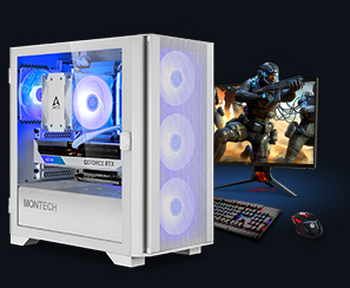
Processor: Intel Core i5-12400F
Video card: GeForce RTX 3050, 6GB
RAM: 32GB (16GBx2) DDR4 3200 MHz
Motherboard: Gigabyte B760M DS3H DDR4
SSD M2:SSD M.2 1TB / M.2 MSI M470 Pro
Free shipping

Processor: Intel Core i3-13100F
Video card: GeForce RTX 3050, 6GB
RAM: 16GB (8GBx2) DDR4 3200 MHz
Motherboard: Gigabyte H610M H V2 DDR4
SSD M2:SSD M.2 500GB / Gigabyte Gen4 4000E
Free shipping

Processor: Intel Core i3-13100F
Video card: GeForce RTX 3050, 6GB
RAM: 16GB (8GBx2) DDR4 3200 MHz
Motherboard: Gigabyte H610M H V2 DDR4
SSD M2:SSD M.2 1TB / M.2 MSI M470 Pro
Free shipping

Processor: Intel Core i5 13600KF
Video card: GeForce RTX 5080, 16GB
RAM: 32GB (16GBx2) DDR5 5600
Motherboard: Asus TUF Gaming B760M-Plus II
SSD M2:SSD M.2 1TB / M.2 MSI M470 Pro
Free shipping
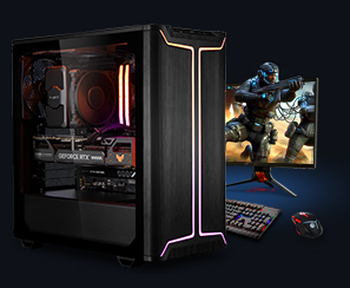
Processor: Intel Core i5 14600KF
Video card: GeForce RTX 5080, 16GB
RAM: 32GB (16GBx2) DDR5 5600
Motherboard: Asus TUF Gaming B760M-Plus II
SSD M2:SSD M.2 1TB / M.2 MSI M470 Pro
Free shipping

Processor: Intel Core i7-14700KF
Video card: GeForce RTX 5080, 16GB
RAM: 32GB (16GBx2) DDR5 5600
Motherboard: Gigabyte Z790 Eagle AX
SSD M2:SSD M.2 1TB / M.2 MSI M470 Pro
Recommended reading

How to choose a power supply for a gaming PC?
When upgrading your own PC or building a new one, there are many questions about the importance of certain components and how to replace them with a...
More details
Computers for programmers
Computers are an essential tool for programmers. A PC for programming usually has more powerful features than a desktop version, which provides...
More details
PC for SILENT HILL f
In this article from the GamingPC online store, we will look at the system requirements of Silent Hill f and give practical advice on how to build a...
More details