






How to build a gaming computer?
04/04/2024
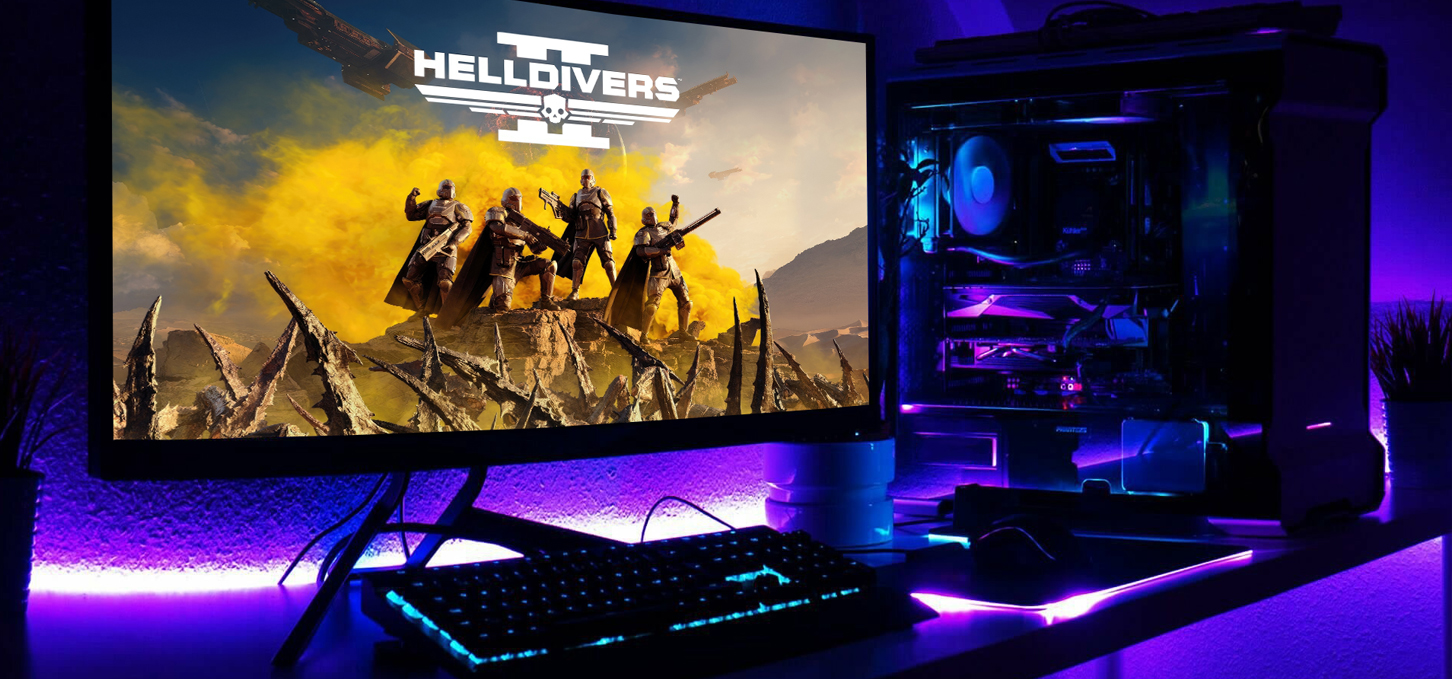

Tips on the basis of selecting components for a gaming PC on a budget
Assembling a gaming PC yourself is quite an interesting, but at the same time challenging process that requires knowledge about Personal Computer components and their compatibility. This knowledge will allow you to construct a device for the gamer himself, staying within the budget and taking into account the needs of modern video games and the convenience of their work. Online store GamingPc.com.ua offers some tips that will help you choose a productive computing device from the best components in its class, resulting in a desktop will give the potential to use it not only as a flagship gadget, but also as a workstation, a tool for programming, design and not only. If for basic tasks, such as surfing the Internet, watching videos or movies, listening to music, studying or not demanding games (for example, Dota 2, Counter Strike 2, League of Legends) is enough budget version, then for demanding varieties of AAA-level preference should be given to medium or premium versions, which will provide a comfortable experience in video games with 2K and 4K resolution at maximum graphics settings.
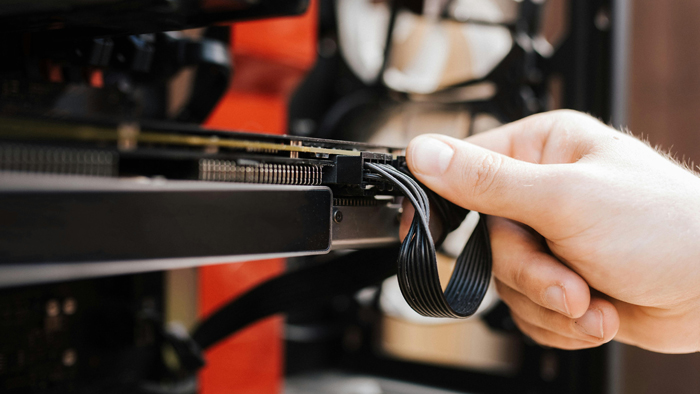
Component guide for perfect compatibility and performance
Answering the question "how to assemble a gaming PC?", you can make a list of components that are needed for the full functioning of the assembled device, namely we need:
Processor
Video card
RAM
Motherboard
SSD/HDD drive
CPU cooling system (cooler)
Power supply
Case
When selecting components, it is important to choose components that will be compatible with each other and will not conflict, which will make the work of the desktop maximally productive and comfortable for the user. To assemble a basic computer by yourself, enough CPU from Intel or AMD budget variant, such as Core i3 10-14 generation or Ryzen 3 3000 and 5000 series. For a more powerful version, it is better to pay attention to the varieties of i5, i7 and Ryzen 5, 7 of the last years. If there is a need for a premium desktop that can handle all tasks, the new Core i9 and Ryzen 9 will be the best choice if the budget allows it.

Compatibility: key aspects
When buying a CPU, it is more effective to look at the socket "motherboard": for the CPU from AMD it is AM4, which is suitable for processors up to 5000 generation inclusive and its successor AM5, for chips Ryzen 7000. For basic or medium system units is enough socket AM4 with support for RAM DDR4, but if there is a need for performance, it is better to pay attention to the socket AM5 with support for modern and fast DDR5, which will contribute to the upgrade with further development of technology. For the 10th and 11th generation Intel CPUs need boards with LGA 1200 socket, with support for RAM DDR4, which will be relevant for several years. For the 12th, 13th and 14th generation will be suitable boards with a socket LGA 1700, which have support for DDR5 memory and increased productivity, compared to previous years. Also, consider the capabilities of the microprocessor and motherboard, more advanced combinations can be overclocked to increase the frequency of operation, such as Z motherboards for Intel and their K-processor versions.
In addition, processor temperature should not be neglected, because the more powerful it is, the more it warms up and accordingly requires a more productive cooling system. For most versions of Intel Core i3,i5 and AMD Ryzen 3.5 the optimal solution will be a tower-type cooler with TDP from 150 to 250 W, and for Core i7,9 and Ryzen 7,9 it is better to choose a cooling system with TDP from 250 W. All this combined with RAM, which in performance devices should be at least 16 GB with a frequency from 2666 MHz DDR4 and from 4800 MHz for DDR5, makes the gadget more efficient for its tasks.
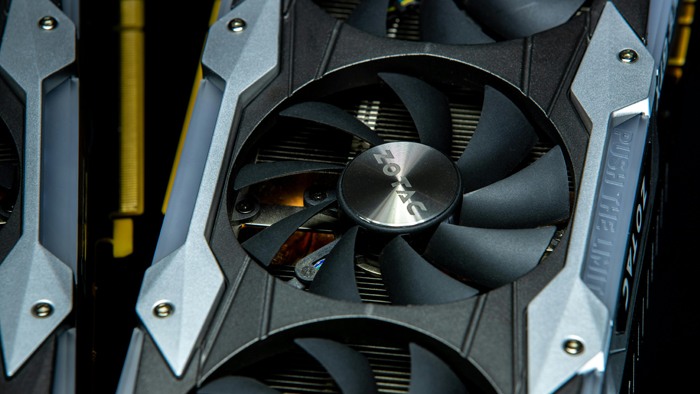
Video card selection: a key factor for beautiful graphics and stable FPS
When there is a desire to assemble your own gaming computer, special attention should be paid to the video card, because it depends on it to a large extent what will be the FPS, graphics settings and resolution with which the video game will work. The higher these indicators, the better the picture will be, which will bring special pleasure and enjoyment. Today on the market of video cards, the main manufacturers are NVIDIA and AMD, which have approximately the same performance. For entry-level systems, graphics gas pedals starting from GeForce RTX 30th and RX 6000th series are recommended. For medium and high-performance systems, it is preferable to choose RTX 40th and RX 7000 series. This will give you the opportunity to enjoy modern games with ultra graphics settings in high resolution.
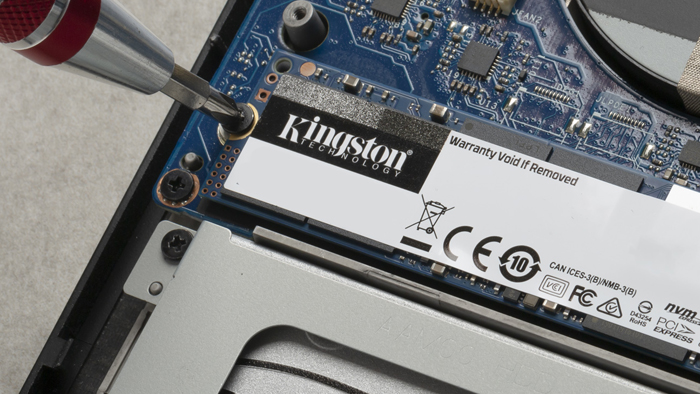
Selecting a drive and PSU: Key components for reliable operation
Equally important when building a system unit on your own is the choice of a drive that will allow you to store large amounts of data and files needed for gaming and other tasks. Today the leader in the field of drives are M.2 disks, which show impressive speed and reliability. The optimal solution for all builds will be last years M.2 disks with a size of 1TB or more. All components in a PC need a powerful and reliable PSU to function, ranging from 550 for the entry-level NVIDIA RTX 30-series entry-level graphics cards to 850 in the RTX 4080 and 1000W in the RTX 4090. AMD Radeon has lower PSU requirements, so the RX 7000-series graphics cards require up to 850 watts.

Choosing a case: stylish design and low temperatures
In order for the appearance of the system unit to be stylish, have a low temperature and the ability to put all the elements in their place, you should pay attention to the choice of enclosure. In addition to appearance, it is worth considering the size and airflow in the case. A larger size will allow you to fit larger motherboards and massive graphics cards, which are getting bigger year after year. Also, a larger size - more fans, which helps to improve airflow and therefore better cooling of components, and the presence of dust filters will not allow a large amount of dust to get inside the case.
Professional assistance: a reliable solution for optimal performance and user satisfaction
Experienced users and gamers are able to assemble a gaming computer on their own, but many users have difficulties in the proper selection and assembly of the PC on their own, so the best option in such situations is to contact professionals who will not only select the best features in its class, but also assemble it all in accordance with the requirements of modernity and aesthetic appearance with a guarantee of quality.
Gaming PC gaming computers
Gaming Pc gaming computers are specifically built for maximum gaming performance and provide high frame rates and high-resolution graphics to immerse you in the gaming world with maximum comfort.
 Free
Free shipping

Processor: Intel Core Ultra 9 285K
Video card: GeForce RTX 5070 Ti, 16GB
RAM: 32GB (16GBx2) DDR5 5600
Motherboard: ASRock Z890 PRO-A
SSD M2:SSD M.2 1TB / M.2 MSI M470 Pro
Free shipping
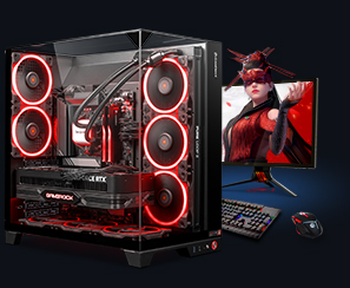
Processor: AMD Ryzen 7 7700
Video card: GeForce RTX 5070 Ti, 16GB
RAM: 32GB (16GBx2) DDR5 5600
Motherboard: Gigabyte B650M Gaming Plus WiFi
SSD M2:SSD M.2 1TB / M.2 MSI M470 Pro
Free shipping

Processor: AMD Ryzen 7 7800X3D
Video card: GeForce RTX 5080, 16GB
RAM: 32GB (16GBx2) DDR5 5600
Motherboard: Gigabyte B650M Gaming Plus WiFi
SSD M2:SSD M.2 1TB / M.2 MSI M470 Pro
Free shipping

Processor: Intel Core i5 13600KF
Video card: GeForce RTX 5080, 16GB
RAM: 32GB (16GBx2) DDR5 5600
Motherboard: Asus TUF Gaming B760M-Plus II
SSD M2:SSD M.2 1TB / M.2 MSI M470 Pro
Free shipping
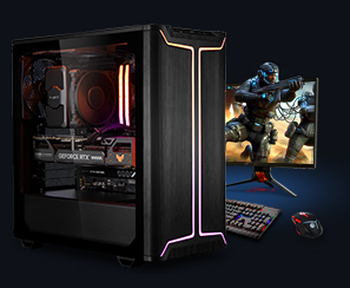
Processor: Intel Core i5 14600KF
Video card: GeForce RTX 5080, 16GB
RAM: 32GB (16GBx2) DDR5 5600
Motherboard: Asus TUF Gaming B760M-Plus II
SSD M2:SSD M.2 1TB / M.2 MSI M470 Pro
Free shipping

Processor: Intel Core i7-14700KF
Video card: GeForce RTX 5080, 16GB
RAM: 32GB (16GBx2) DDR5 5600
Motherboard: Gigabyte Z790 Eagle AX
SSD M2:SSD M.2 1TB / M.2 MSI M470 Pro
Free shipping

Processor: Intel Core i7-13700KF
Video card: GeForce RTX 5080, 16GB
RAM: 32GB (16GBx2) DDR5 5600
Motherboard: Gigabyte Z790 Eagle AX
SSD M2:SSD M.2 1TB / M.2 MSI M470 Pro
Free shipping

Processor: Intel Core i9-13900KF
Video card: GeForce RTX 5080, 16GB
RAM: 32GB (16GBx2) DDR5 5600
Motherboard: MSI Z790 Gaming Plus WiFi
SSD M2:SSD M.2 1TB / M.2 MSI M470 Pro
Free shipping
Processor: Intel Core i9-14900KF
Video card: GeForce RTX 5080, 16GB
RAM: 32GB (16GBx2) DDR5 5600
Motherboard: MSI Z790 Gaming Plus WiFi
SSD M2:SSD M.2 1TB / M.2 MSI M470 Pro
Free shipping

Processor: Intel Core Ultra 7 265KF
Video card: GeForce RTX 5080, 16GB
RAM: 32GB (16GBx2) DDR5 5600
Motherboard: ASRock Z890 PRO-A
SSD M2:SSD M.2 1TB / M.2 MSI M470 Pro
Recommended reading

PC for Cronos: The New Dawn
In the year 2025, Bloober Team - known for Silent Hill 2 Remake and The Medium - present Cronos: The New Dawn. This is not just another survival...
More details
PC for Resident Evil Requiem
In this article we'll analyze what system requirements you should expect in Resident Evil Requiem, what kind of computer you need for Resident...
More details
Gaming desktops
A desktop gaming computer is a powerful tool that transforms an ordinary computer into a powerful gaming machine that can deliver an incredible...
More details