






How to choose a motherboard for a gaming PC?
25/04/2024
Key steps in choosing a motherboard
Building a PC is a big step for any gamer. Selecting a motherboard is one of the most important steps in this process. Due to the large number of models and specifications on the market, the choice can be confusing. The Gaming Pc team will help answer the question "how to choose a motherboard for a gaming PC" and review the basic steps that will help you decide on the right one, namely:
CPU compatibility
Form factor
Compatibility with RAM
Connectors and ports
Power system
Unfortunately, most users do not pay special attention to the choice of "motherboard", although it connects all the components of the computer and determines the compatibility of all components, affecting the overall performance of the system.
Before you know how to choose a motherboard for your gaming PC, you should find out which components and features will meet your needs. If you plan to use powerful CPUs with overclocking features, it is important to consider the need for high quality power and efficient cooling.

Key aspects and compatibility with processors and memory
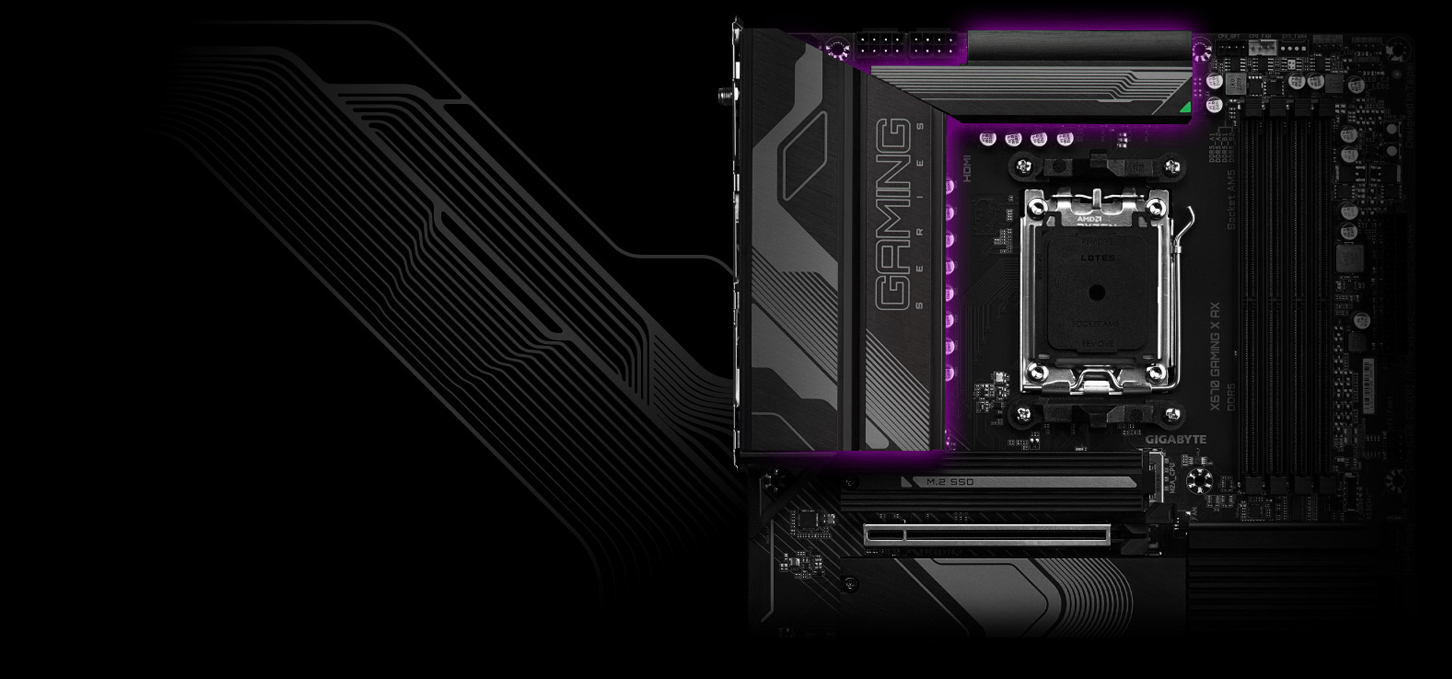
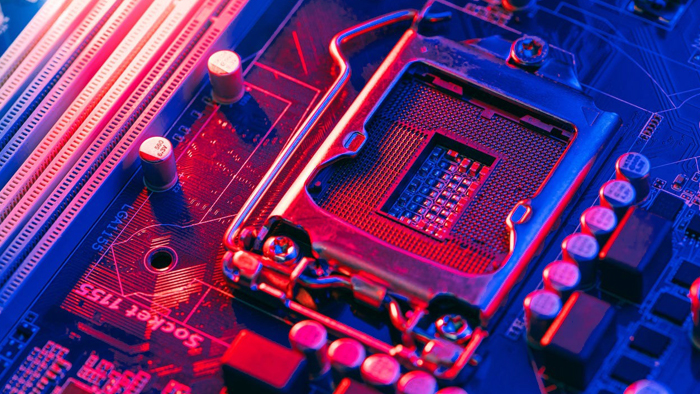
The motherboard must support the pre-selected CPU and have an appropriate socket for its connection. For example, 14th generation Intel CPUs work with H610, B760, H670, Z790 chipsets. CPUs from Intel with the letter "K" in the name and motherboards with the letter "Z" support CPU and memory overclocking. And for new AMD CPUs based on the AM5 socket, you need B650, X670 chipsets. Since the board is usually chosen after determining the processor and video card you need to take into account their compatibility.
Form factor affects the size of the motherboard. There are the following basic formats:
Mini-ITX (17x17 cm)
Micro-ATX (24.4x24.4 cm)
ATX (30.5x24.4 cm)
E-ATX (30.5x33.0 cm)
In addition to the size, they differ in the number of PCI-E lanes, expansion slots for connecting peripherals such as audio card, network card, the number of M.2 slots for connecting SSD, as well as the number of slots for RAM. For a gaming PC with the possibility of further modernization and expansion of upgrades, it is better to choose ATX or E-ATX format. But for more convenience, Micro-ATX and Mini-ITX will be the best choice, because of the smaller size will allow you to build a more compact system.
Support for modern DDR5 RAM plays an important role for powerful builds, so consider its support if needed. DDR4 RAM is supported by most modern boards, and it is still relevant. Also consider the number of slots to support it and the availability of other necessary connectors and ports such as M.2, SSD, USB. Some boards have additional features, such as built-in Wi-Fi, Bluetooth, etc.
Reliable power supply and optimum cooling
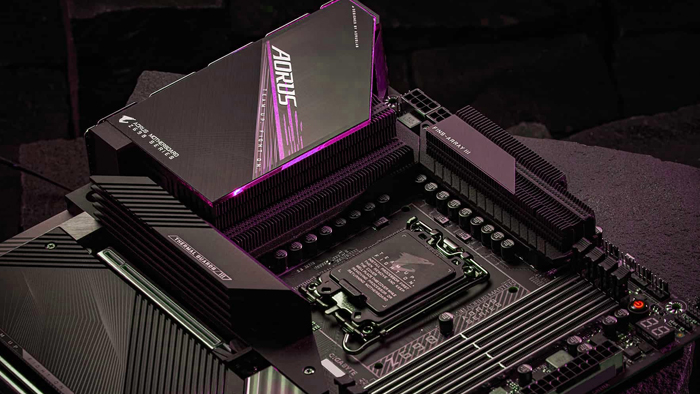
If you plan to overclock your system, it is important to have a reliable power supply and cooling system. For a gaming computer, it is recommended to have a board with massive heat sinks to dissipate heat, which directly affects the lifespan, reliability, temperature, and overall performance of all components. For powerful Core i7 and Core i9 based computers, Z-chipset based motherboards are great. For systems based on AMD Ryzen 7 and Ryzen 9 you can limit yourself to motherboards based on B-chipset.
The answer to the question "how to choose a motherboard for a gaming computer" is a complex process that requires careful research of the gamer's needs and capabilities. It is important to choose other major components first. This choice affects the reliability, compatibility and further upgrade of the system unit. Therefore, it is important to approach the choice comprehensively. It is not superfluous to turn to professionals. The Gaming Pc team builds gaming computers taking into account all the capabilities and needs of customers and allows you to enjoy the process of gaming to the fullest.
Gaming PC gaming computers
Gaming Pc gaming computers from Gaming Pc are equipped with high quality motherboards with high reliability to ensure optimal performance of the entire system and productivity in gaming.
 Free
Free shipping
Processor: AMD Ryzen 7 7700
Video card: GeForce RTX 5070 Ti, 16GB
RAM: 32GB (16GBx2) DDR5 5600
Motherboard: Gigabyte B650M Gaming Plus WiFi
SSD M2:SSD M.2 1TB / WD Blue SN580
Free shipping

Processor: Intel Core i5-12400F
Video card: GeForce RTX 3050, 6GB
RAM: 16GB (8GBx2) DDR4 3200 MHz
Motherboard: Asus Prime B760M-A D4-CSM
SSD M2:SSD M.2 500GB / MSI Spatium M371
Free shipping
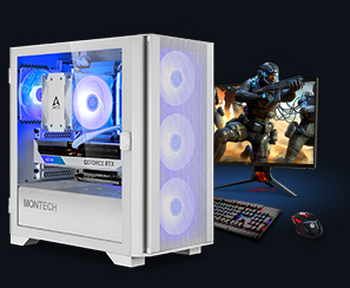
Processor: Intel Core i5-12400F
Video card: GeForce RTX 3050, 6GB
RAM: 32GB (16GBx2) DDR4 3200 MHz
Motherboard: Asus Prime B760M-A D4-CSM
SSD M2:SSD M.2 1TB / WD Blue SN580
Free shipping

Processor: Intel Core i3-13100F
Video card: GeForce RTX 3050, 6GB
RAM: 16GB (8GBx2) DDR4 3200 MHz
Motherboard: Gigabyte H610M H V2 DDR4
SSD M2:SSD M.2 500GB / MSI Spatium M371
Free shipping

Processor: Intel Core i3-13100F
Video card: GeForce RTX 3050, 6GB
RAM: 16GB (8GBx2) DDR4 3200 MHz
Motherboard: Gigabyte H610M H V2 DDR4
SSD M2:SSD M.2 1TB / WD Blue SN580
Free shipping

Processor: Intel Core i5-13400F
Video card: GeForce RTX 5070 Ti, 16GB
RAM: 32GB (16GBx2) DDR4 3200 MHz
Motherboard: Asus Prime B760M-A D4-CSM
SSD M2:SSD M.2 1TB / WD Blue SN580
Free shipping

Processor: Intel Core i5-13400F
Video card: GeForce RTX 5070 Ti, 16GB
RAM: 32GB (16GBx2) DDR5 5600
Motherboard: Asus Prime B760M-Plus
SSD M2:SSD M.2 1TB / WD Blue SN580
Free shipping
Processor: Intel Core i5-14400F
Video card: GeForce RTX 5070 Ti, 16GB
RAM: 32GB (16GBx2) DDR4 3200 MHz
Motherboard: Asus Prime B760M-A D4-CSM
SSD M2:SSD M.2 1TB / WD Blue SN580
Free shipping

Processor: Intel Core i5-14400F
Video card: GeForce RTX 5070 Ti, 16GB
RAM: 32GB (16GBx2) DDR5 5600
Motherboard: Asus Prime B760M-Plus
SSD M2:SSD M.2 1TB / WD Blue SN580
Free shipping

Processor: AMD Ryzen 5 7500F
Video card: GeForce RTX 5070 Ti, 16GB
RAM: 32GB (16GBx2) DDR5 5600
Motherboard: ASRock A620AM PRO RS
SSD M2:SSD M.2 1TB / WD Blue SN580