






PC for Code Vein II
18/12/2025


The long-awaited sequel Code Vein II is finally entering the final phase of release, and the anime-soulslike fan community is once again preparing to dive into the dark but incredibly beautiful world of Revenants. This time the game doesn't just expand the story and combat system, but significantly updates the technical basis - the developers switched to Unreal Engine 5, adding support for ray tracing, DLSS, FSR and the latest visual effects.
In this article we will look at what kind of PC for Code Vein II you need to fully enjoy the game. You will learn about the minimum and recommended system requirements of code vein 2, get tips on choosing the best configuration for 1080p, 1440p and even 4K, and see examples of ready-made builds from GamingPC, customized specifically for this post-apocalyptic vampire souls-like masterpiece.

Code Vein II review and its features
Code Vein II is the sequel to the cult vampire souls-like action game with RPG elements, which gained popularity thanks to its deep combat system, stylish character design and dark and beautiful post-apocalyptic world. Players will once again take on the role of Revenant, a creature between life and death struggling to survive amidst the ruins of a former civilization.
The sequel moves to Unreal Engine 5 (UE5), which promises impressive visual detail, improved lighting, environmental effects, and support for modern technologies such as ray tracing, DLSS, and even frame generation options on NVIDIA RTX 50-series graphics cards.
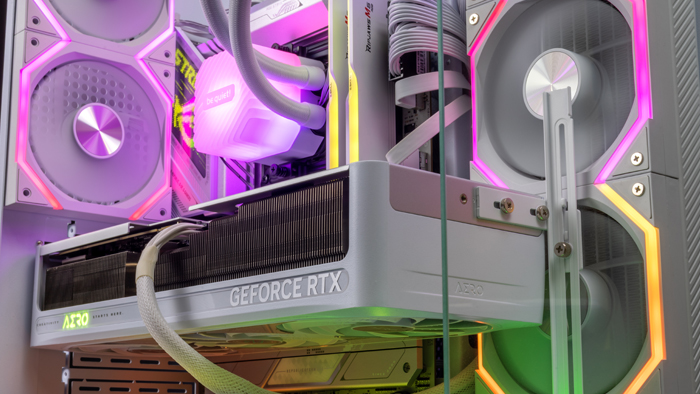
Minimum and recommended system requirements
Minimum System Requirements (1080p, Low):
Processor: Intel Core i5-12400 or AMD Ryzen 5 5600
Graphics card: NVIDIA GeForce GTX 5060
RAM: 16+ GB
Recommended System Requirements (1080p, High or 1440p, Medium):
Processor: Intel Core i5-14600K or AMD Ryzen 5 7600X
Graphics card: NVIDIA RTX 5070 / AMD RX 9070
RAM: 32GB
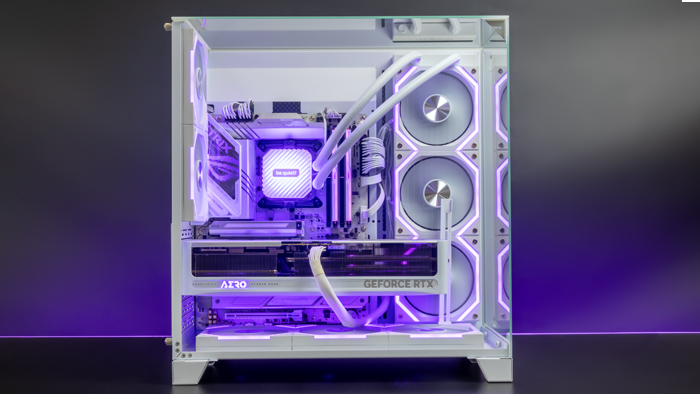
What kind of PC do you need to comfortably play 1080p and 1440p games?
If your goal is stable 60+ FPS in 1080p with beautiful graphics, then RTX 5070 or RX 9070 will be the perfect base for a comfortable gaming experience. These graphics cards provide a quality balance between performance and temperature, allowing you to enjoy detailed locations, lighting effects and dynamic combat scenes without noticeable frame drops. It is desirable to have a processor no weaker than Ryzen 5 7500F or Core i5-14400F under Unreal Engine 5.
To play in 1440p at high or ultra settings you should consider RTX 5070 Ti / RTX 5080 or RX 9070 XT, which allow you to maintain smoothness and stability even with ray tracing enabled. Thanks to improved ray tracing, shadows, lights, blood and metallic weapon surfaces look incredibly natural. Also, 32GB of RAM is the optimal amount: the game actively uses RAM to stream high-resolution textures, which minimizes loading when moving through locations and provides smoother gameplay.
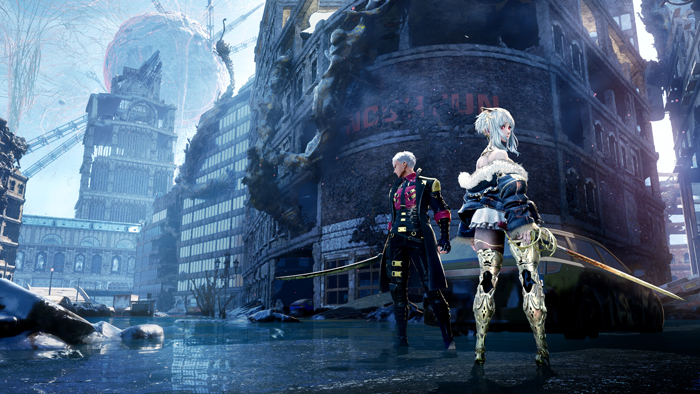
Performance Optimization: DLSS, Ray Tracing and Frame Generation
DLSS 4 gives a significant increase in FPS without loss of clarity - especially useful for RTX 50-series. AMD users can take advantage of FSR 4, which is also supported in Code Vein II.
Ray tracing adds realistic blood reflections, flashlight glow, and weapon metal shine. However, this option heavily loads GPU - it is better to activate it on RTX 5070 / 5070 Ti or higher.
Frame Generation doubles the performance by adding smoothness to even the most intense battles - a great feature for RTX 5070 / 5080.
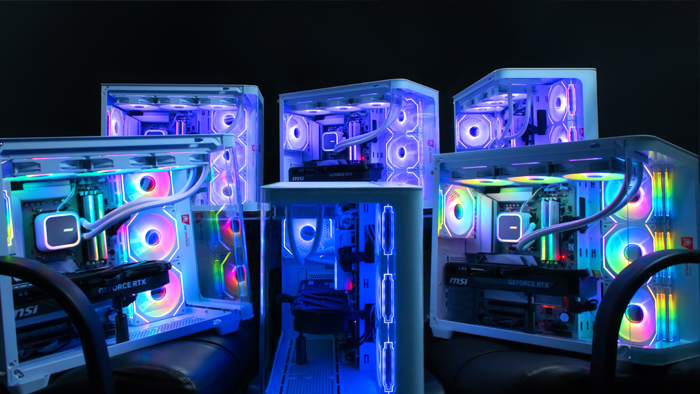
Ready-made builds for different budgets and graphics settings
Examples of key components in ready-made builds:
Budget (1080p, High): Ryzen 5 5600 / RTX 5060 Ti / 16 GB RAM
Mid-range (1440p, High): Core i5-14600K / RTX 5070 or RX 9070 / 32 GB RAM
Premium (4K, Ultra + RT): Ryzen 7 9800X3D / RTX 5090 / 32-64 GB RAM
These builds are perfect for balancing performance and budget, not only for Code Vein II, but also for other upcoming AAA projects.
What to look for when upgrading to Code Vein II
If your gaming PC already has a good amount of power, sometimes all it takes is a small upgrade, like replacing your graphics card or SSD, to make your game shine with new colors. Since Unreal Engine 5 makes heavy use of data streaming, fast NVMe SSDs dramatically reduce location load times and eliminate microfreezes when transitioning between zones. This is especially noticeable in scenes with dense effects and a large number of enemies.
Special attention is paid to the power supply unit (PSU). For systems with RTX 5070 and higher it is better to choose a high-quality 750-850W PSU with 80+ Gold or Platinum certification to avoid voltage sags under high load. This guarantees stability and longevity of all components.
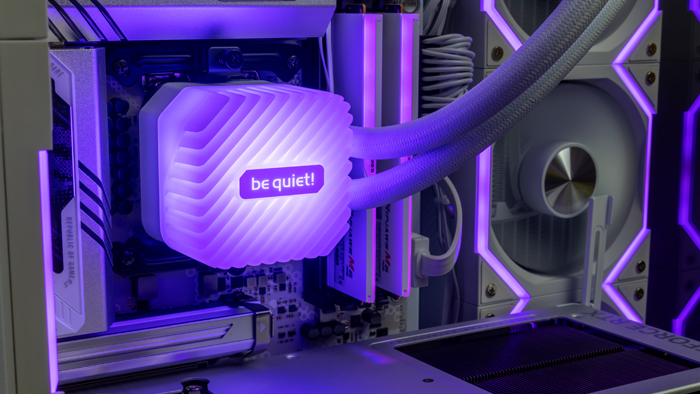
Cooling is equally important. Large graphics cards and powerful processors can heat up to high temperatures, so it is worth taking care of quality airflow inside the case - install additional fans or switch to efficient water cooling. The right upgrade will not only ensure comfort in Code Vein II, but also prepare your PC for the next UE5 releases.
Why our builds are perfect for anime-soulslike
At GamingPC, we build systems perfectly balanced for modern UE5 games, including Code Vein II. We verify compatibility, test FPS in real-world conditions, and optimize cooling and noise. Our PCs will provide:
stable frame rates even in challenging battles;
the perfect balance of price and performance;
rGB design aesthetics in the style of the "revenant" setting;
readiness for future UE5 releases.

Conclusion: best configurations for Revenants
Code Vein II is not just a sequel, but a true leap into a new level of visual and technical mastery of the vampire souls-like genre. The new game combines stylish anime aesthetics, a deep combat system and the power of Unreal Engine 5, which reveals the beauty of the post-apocalyptic world of Revenants in incredible detail. To fully immerse yourself in this atmosphere without limitations, you should choose a PC for Code Vein II that can unleash the full potential of UE5, DLSS, ray tracing and modern technologies from NVIDIA and AMD.
For 1080p, Ryzen 5 + RTX 5060 / 5060 Ti is enough, and for the game to shine with all visual effects at 1440p, it's better to choose Ryzen 7 7800X3D + RTX 5070 / RTX 5080.
In our GamingPC catalog you can find PCs with RTX 5090 and other builds - verified, tested and optimized for UE5. We thoroughly test every system so you can enter the battle in the world of Revenants without lag or overheating. With our PCs, Code Vein II will look the way the developers intended it to - with deep atmosphere, cinematic effects and stable FPS even in the most intense battles.
 Free
Free shipping

Processor: Intel Core Ultra 9 285K
Video card: GeForce RTX 5080, 16GB
RAM: 64GB (32GBx2) DDR5 6000
Motherboard: ASRock Z890 PRO-A
SSD M2:SSD M.2 2TB / Kioxia Exceria Plus
Free shipping
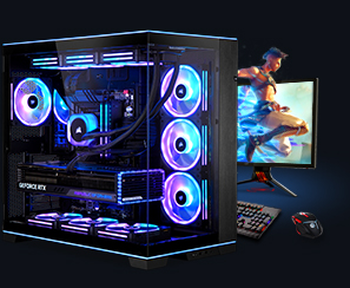
Processor: Intel Core Ultra 9 285K
Video card: GeForce RTX 5080, 16GB
RAM: 64GB (32GBx2) DDR5 6000
Motherboard: Gigabyte Z890 Aorus Elite X ICE
SSD M2:SSD M.2 2TB / Samsung 990 PRO
Free shipping

Processor: Intel Core Ultra 9 285K
Video card: GeForce RTX 5080, 16GB
RAM: 64GB (32GBx2) DDR5 6000 MHz
Motherboard: Gigabyte Z890 Aorus Elite X ICE
SSD M2:SSD M.2 2TB / Samsung 990 PRO
Free shipping

Processor: Intel Core Ultra 9 285K
Video card: GeForce RTX 5070 Ti, 16GB
RAM: 32GB (16GBx2) DDR5 5600
Motherboard: ASRock Z890 PRO-A
SSD M2:SSD M.2 1TB / M.2 MSI M470 Pro
Free shipping
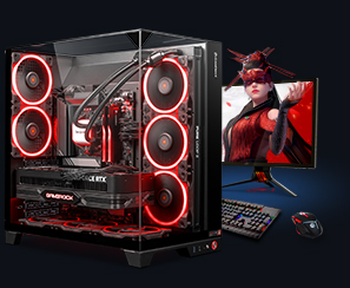
Processor: AMD Ryzen 7 7700
Video card: GeForce RTX 5070 Ti, 16GB
RAM: 32GB (16GBx2) DDR5 5600
Motherboard: Gigabyte B650M Gaming Plus WiFi
SSD M2:SSD M.2 1TB / M.2 MSI M470 Pro
Free shipping

Processor: AMD Ryzen 7 7800X3D
Video card: GeForce RTX 5080, 16GB
RAM: 32GB (16GBx2) DDR5 5600
Motherboard: Gigabyte B650M Gaming Plus WiFi
SSD M2:SSD M.2 1TB / M.2 MSI M470 Pro
Free shipping

Processor: Intel Core i9-14900KF
Video card: GeForce RTX 5090, 32GB
RAM: 64GB (32GBx2) DDR5 6000
Motherboard: MSI Z790 Gaming Plus WiFi
SSD M2:SSD M.2 1TB / M.2 MSI M470 Pro
Free shipping

Processor: Intel Core Ultra 7 265KF
Video card: GeForce RTX 5090, 32GB
RAM: 64GB (32GBx2) DDR5 6000
Motherboard: ASRock Z890 PRO-A
SSD M2:SSD M.2 2TB / Kioxia Exceria Plus
Free shipping

Processor: Intel Core Ultra 7 265KF
Video card: GeForce RTX 5090, 32GB
RAM: 64GB (32GBx2) DDR5 6000
Motherboard: ASRock Z890 PRO-A
SSD M2:SSD M.2 2TB / Kioxia Exceria Plus
Free shipping
Processor: AMD Ryzen 7 7800X3D
Video card: GeForce RTX 5090, 32GB
RAM: 32GB (16GBx2) DDR5 5600
Motherboard: Gigabyte B650M Gaming Plus WiFi
SSD M2:SSD M.2 2TB / Kioxia Exceria Plus
Recommended reading

AMD vs Intel: a detailed comparison for the modern user
In the world of computer technology, there are two giants, Intel and AMD, that are constantly competing for the attention of users. When choosing an...
More details
PC for Pragmata
PRAGMATA is one of the most interesting future Capcom novelties, combining a sci-fi action-adventure movie, a story about a lunar station, battles...
More details
How to initialize an SSD drive
Initializing a new SSD drive is a necessary step to prepare it for use with the Windows 11 operating system. When you plug in a new SSD drive, the...
More details