






PC for Pragmata
09/04/2026


PRAGMATA is one of the most interesting future Capcom novelties, combining a sci-fi action-adventure movie, a story about a lunar station, battles with androids and a non-standard combat system with hacking elements.
In this article we'll break down what is known about the game, what are its approximate system requirements, which PC is suitable for a comfortable game, and which configurations should be chosen for 1080p, 1440p and maximum settings.
What is known about PRAGMATA and its technical features
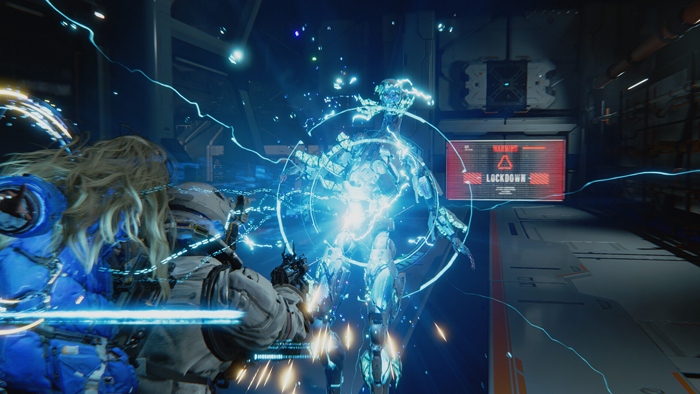
PRAGMATA is an action-adventure from Capcom, the events of which unfold on a lunar research station, where the player controls Hugh and assists him through the android Diana. The project relies on a cold sci-fi atmosphere, working in isolation, battles with robotic opponents and a combination of shooting and hacking.
It is because of this combination of mechanics that the game may require not only a powerful graphics card, but also a fast enough processor and SSD. PRAGMATA supports ray tracing on PC, which means increased load on the graphics subsystem, especially if you want to see the game's graphics at their best.
The presentation is worth mentioning separately: the game looks like a modern, stylish and cinematic sci-fi adventure action movie, where gadgets, interaction between the heroes and the dynamics of collisions on limited and complex locations play an important role.
Minimum and recommended system requirements
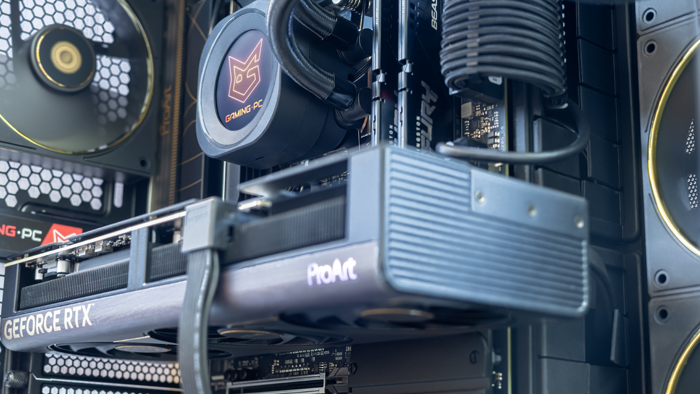
Minimally for PRAGMATA you should focus on a modern processor of Intel Core Ultra 5 225F or AMD Ryzen 5 7500F level, 16+ GB of RAM, fast SSD and video card not lower than RTX 5060 / 5060 Ti or similar level. This configuration should provide a comfortable launch of the game in 1080p at high or mixed settings with basic FPS stability.
For the recommended level it is better to choose a more powerful PC with Intel Core Ultra 7 265K or AMD Ryzen 7 9700X processor, 32 GB RAM, NVMe SSD and RTX 5070 or RTX 5070 Ti video card. This option will be suitable for playing at high settings in 1440p and will give a good performance reserve for the future.
If the goal is maximum picture quality, enabled ray tracing and stable high FPS, then you should pay attention to systems with RTX 5080 or RTX 5090 paired with a top modern processor. In the case of PRAGMATA it is especially important, because the game relies on detailed graphics, lighting effects and dynamic battles, which are well revealed only on powerful hardware.
Which PC will pull PRAGMATA on high and ultra settings
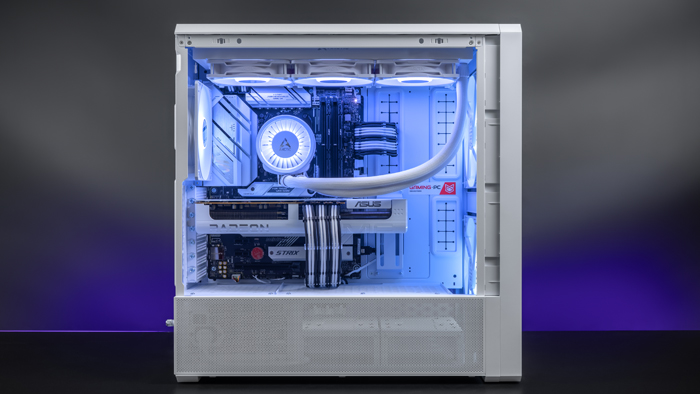
To comfortably play PRAGMATA at high settings, you should choose a PC with a modern processor of Intel Core Ultra 7 265K / Ultra 9 285K or AMD Ryzen 7 9800X3D / Ryzen 9 9950X level. RTX 5070 Ti or RTX 5080 graphics cards will work well in pair with such a platform, and for even greater performance margin you can pay attention to RTX 5090.
For ultra settings it is already desirable to have not just a powerful video card, but a balanced system with 32+ GB of RAM, fast NVMe SSD and high-quality cooling. It is this configuration that will allow you to get a smooth picture, confidently keep a high FPS and not lose performance in saturated scenes on the moon station.
If you want to see PRAGMATA as spectacular as possible, without compromising on graphics quality, you should focus on the top 2026 builds with RTX 5080 or RTX 5090. Such a PC will well reveal the details of the environment, complex lighting effects, and the dynamics of battles, which play a very important role in this game.
Optimization for stable 120 FPS in dynamic battles
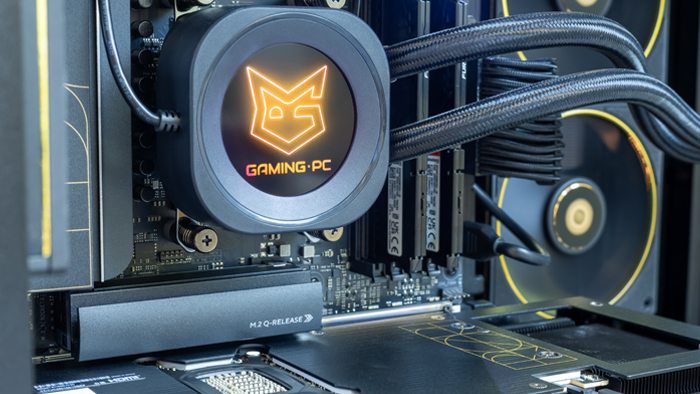
Stable 120 FPS in PRAGMATA is already the level of a system with a very good performance margin. Modern processors like Intel Core Ultra 7 / Ultra 9 or AMD Ryzen 7 / Ryzen 9 of the new generation, as well as RTX 5070 Ti, RTX 5080 or RTX 5090 graphics cards are best suited for this scenario.
In dynamic battles, not only GPU power plays an important role, but also the speed of processing game logic, physics and enemy behavior. That's why for stable high FPS you need a powerful processor, enough RAM and fast storage, which will not create delays when loading locations and effects.
To achieve 120 FPS, you should also utilize the modern image scaling technologies that are available in the game. This allows you to keep a very smooth gameplay without noticeable loss of picture quality, which is especially important for action with active movement, battles and constant scene changes.
Pre-built configurations for 1080p, 1440p and the brightest possible world
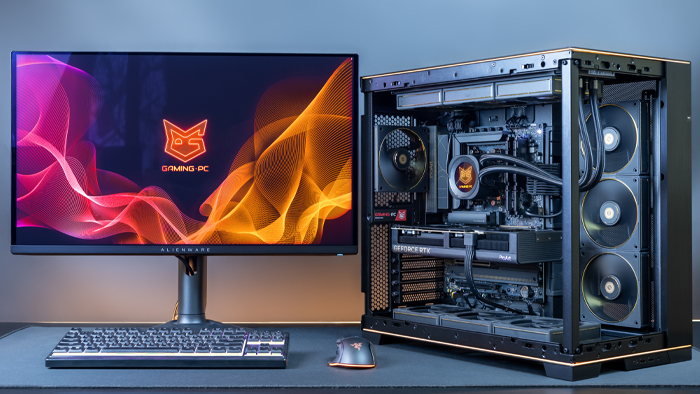
A modern configuration based on Intel Core i5 14400F or AMD Ryzen 5 5600X, 16 GB or 32 GB RAM, NVMe SSD and RTX 5060 Ti graphics card is enough for 1080p . Such a PC will provide a comfortable start in the game, good image quality and confident performance at medium or high settings.
For 1440p it's better to look at configurations with Ryzen 7 7800X3D or Core i7 14700K, 32 GB of RAM and RTX 5070 or RTX 5070 Ti graphics card. This is the best balance between graphics quality and performance if you want to play beautifully, smoothly and without constantly lowering the settings.
If you need the maximum reserve for future updates, the highest graphics parameters and the most spectacular picture, then you should take the assembly with RTX 5080 or RTX 5090. It is such a PC that is best suited for gaming with an emphasis on detail, deep lighting, a large FPS reserve and full confidence that the hardware will not become a limitation.
Peculiarities of CPU load and why it is important in PRAGMATA
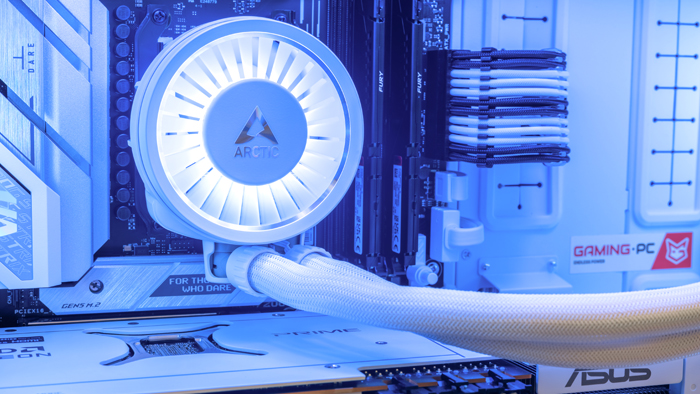
PRAGMATA can load the processor quite actively, especially in combat scenes where animations, scripts, artificial intelligence of enemies and various effects work simultaneously. This means that for a comfortable game it is important to choose not only a powerful video card, but also a modern multi-core processor with good single-core performance.
In practice, this means that a weak processor can become a bottleneck even in a very powerful PC. In a game with dynamic battles, technological environment and a lot of visual effects, it is the processor that helps to avoid micro hangs, sags and unstable frame rate.
That's why for PRAGMATA you should choose actual platforms based on Intel Core Ultra or PCs with AMD Ryzen 7000/9000 series. This approach gives the best reserve for the future and allows you not only to get good FPS now, but also to keep the system up to date for the next few years.
Advantages of our PCs for gaming fans
PCs from GamingPC are not just a set of components, but balanced gaming computers, which are selected for real gaming tasks. For PRAGMATA it is especially important, because the game combines demanding graphics, dynamic gameplay and modern rendering technologies, which are well revealed only on the right hardware.
We help you choose a system so that it meets not only the current requirements of the game, but also has a reserve for the future. This means a modern processor, an up-to-date RTX 50xx series graphics card, enough RAM, fast SSD and high-quality cooling, which is important for stable performance under load.
Another advantage of our PCs is the focus on different game scenarios. We can provide high FPS in different gaming scenarios: for comfortable gaming in 1080p resolution, for a balanced gaming experience in 1440p resolution, or for maximum performance at high and ultra settings. That's why we customize your PC to give you the best results without unnecessary overpayments and fully meet your gaming needs
Conclusion: the perfect hardware for battles in space
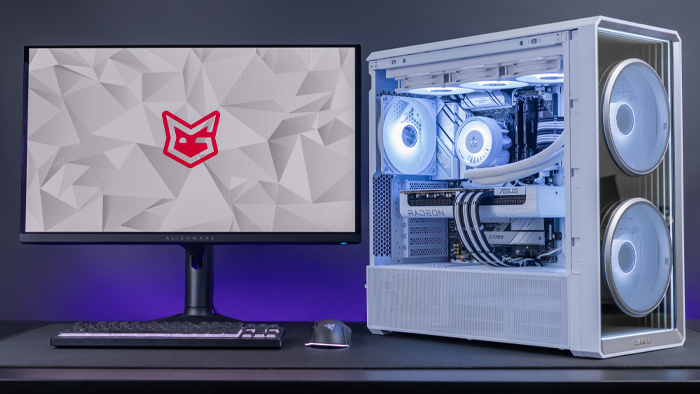
PRAGMATA is a game that requires a modern and well-balanced PC. It combines sci-fi atmosphere, spectacular graphics, dynamic battles and technological setting, so a weak system will quickly show its limitations.
If you need a comfortable start, you should pay attention to modern mid-budget builds with Intel Core i5 / Ultra 5 or AMD Ryzen 5 processors and graphics cards of RTX 5060 Ti 16GB level. For more serious reserve, high settings and 1440p it is better to take Ryzen 7 or Core Ultra 7 paired with RTX 5070 Ti or RTX 5080.
And if the goal is maximum picture quality, stable high FPS and full readiness for any PRAGMATA challenges, then the best choice will be a top PC with RTX 5090, a powerful modern processor, 32GB or more of RAM and a fast NVMe SSD. This is the kind of hardware that best captures the atmosphere of space battles and allows you to enjoy the game without compromise.
 Free
Free shipping

Processor: Intel Core Ultra 9 285K
Video card: GeForce RTX 5080, 16GB
RAM: 64GB (32GBx2) DDR5 6000 MHz
Motherboard: ASRock Z890 PRO-A
SSD M2:SSD M.2 2TB / Kioxia Exceria G2
Free shipping

Processor: Intel Core Ultra 9 285K
Video card: GeForce RTX 5070 Ti, 16GB
RAM: 32GB (16GBx2) DDR5 5000
Motherboard: ASRock Z890 PRO-A
SSD M2:SSD M.2 1TB / MSI Spatium M450 V1
Free shipping
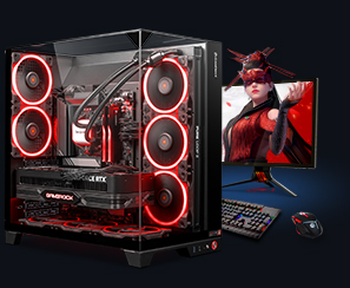
Processor: AMD Ryzen 7 7700
Video card: GeForce RTX 5070 Ti, 16GB
RAM: 32GB (16GBx2) DDR5 5000
Motherboard: Gigabyte B650M Gaming Plus WiFi
SSD M2:SSD M.2 1TB / MSI Spatium M450 V1
Free shipping

Processor: AMD Ryzen 7 7800X3D
Video card: GeForce RTX 5080, 16GB
RAM: 32GB (16GBx2) DDR5 5000
Motherboard: Gigabyte B650M Gaming Plus WiFi
SSD M2:SSD M.2 1TB / MSI Spatium M450 V1
Free shipping

Processor: Intel Core i5 13600KF
Video card: GeForce RTX 5080, 16GB
RAM: 32GB (16GBx2) DDR5 5000
Motherboard: Asus TUF Gaming B760M-Plus II
SSD M2:SSD M.2 1TB / MSI Spatium M450 V1
Free shipping

Processor: Intel Core i5 14600KF
Video card: GeForce RTX 5080, 16GB
RAM: 32GB (16GBx2) DDR5 5000
Motherboard: Asus TUF Gaming B760M-Plus II
SSD M2:SSD M.2 1TB / MSI Spatium M450 V1
Free shipping

Processor: Intel Core i7-14700KF
Video card: GeForce RTX 5080, 16GB
RAM: 32GB (16GBx2) DDR5 5000
Motherboard: Gigabyte Z790 Eagle AX
SSD M2:SSD M.2 1TB / MSI Spatium M450 V1
Free shipping

Processor: Intel Core i7-13700KF
Video card: GeForce RTX 5080, 16GB
RAM: 32GB (16GBx2) DDR5 5000
Motherboard: Gigabyte Z790 Eagle AX
SSD M2:SSD M.2 1TB / MSI Spatium M450 V1
Free shipping

Processor: Intel Core i9-13900KF
Video card: GeForce RTX 5080, 16GB
RAM: 32GB (16GBx2) DDR5 5000
Motherboard: MSI PRO Z790-P WIFI
SSD M2:SSD M.2 1TB / MSI Spatium M450 V1
Free shipping
Processor: Intel Core i9-14900KF
Video card: GeForce RTX 5080, 16GB
RAM: 32GB (16GBx2) DDR5 5000
Motherboard: MSI PRO Z790-P WIFI
SSD M2:SSD M.2 1TB / MSI Spatium M450 V1