






Choosing an Intel Core Ultra processor
06/11/2024
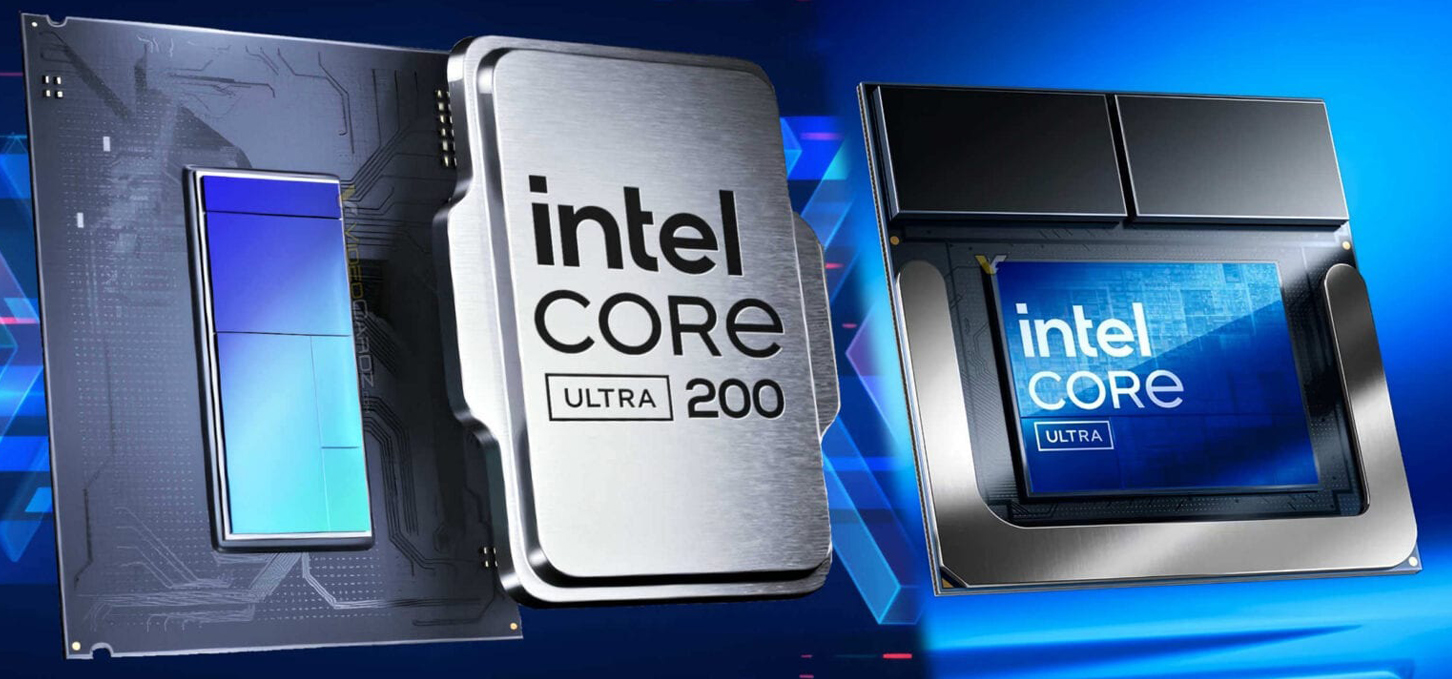

How Intel Core Ultra differs from Core i
The new Intel Core Ultra processors are the next step in the evolution of Intel's Core series. they offer high performance and energy efficiency focused on the needs of today's users in professional work, gaming and everyday tasks. With improved architecture and the integration of artificial intelligence capabilities, the 15th generation Intel Core is positioned as a flexible and versatile choice that can meet the demands of both home and work use scenarios. In this article, we'll look at the key differences between the Core I and Core Ultra series processors, and provide recommendations on the best models for gamers and professional tasks.
Core Ultra is an updated series of processors that is designed to achieve higher performance and energy efficiency. The main aspects in which Core Ultra outperforms traditional Core i:
Improved architecture. Core Ultra is based on a new architecture that offers better energy efficiency and higher performance, although it does require a new series of motherboards. This allows the processors to handle computationally intensive tasks more efficiently.
Artificial Intelligence Integration. Core Ultra has built-in capabilities to support AI technologies, which can accelerate applications that utilize artificial intelligence, such as image processing or real-time data processing applications.
Improved graphics subsystem. Some Cor Ultra models integrate next-generation graphics chips, which can eliminate the need for a separate graphics card for mid-range tasks and even support most undemanding games at a basic level.
Optimization for multi-threaded tasks. Ultra processors deliver better performance when running multiple tasks simultaneously, thanks to the increased number of cores and threads, making them a great choice for multitasking.
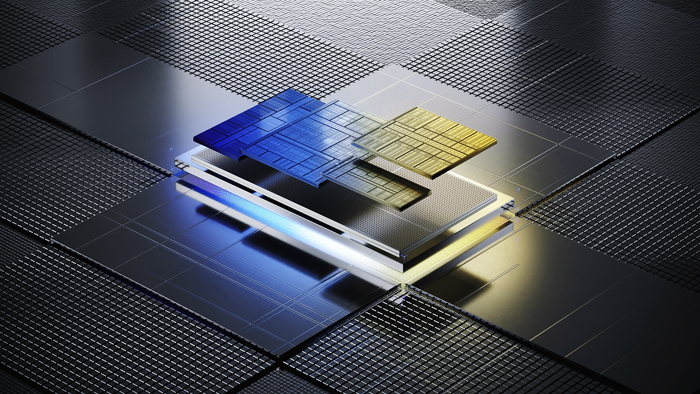
Which Intel processor to choose for gaming
For gamers, high performance in multi-core tasks and graphics support is an important factor. Although Intel Core 15 generation can offer several models optimized for gaming, such as Core Ultra 7 and Ultra 9, which have more cores and threads to ensure stability in AAA games and allow you to get high frame rates, but due to the innovation of technology do not show better results in tests compared to traditional Intel Core i. So, for gaming, Intel Core i processors are traditionally the best choice, especially from the Core i7 and i9 lines. They are optimized for demanding games and provide stable performance with high frame rates.
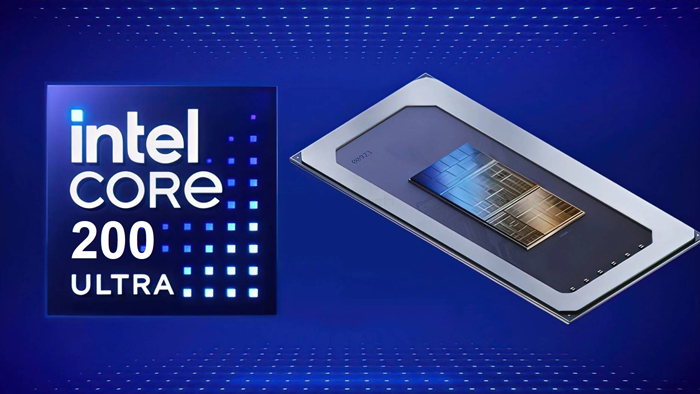
Which Intel Core Ultra processor to choose for work
Core Ultra processors will be a great choice for professional work, especially in tasks where stability and multitasking are important. Features:
Core Ultra 5 and Ultra 7. These processors deliver high performance in mid- to high-end tasks such as graphic design, programming, 3D modeling, and data processing. Their multi-core architecture makes them ideal for multitasking.
AI processing capabilities. If your work involves tasks using AI or machine learning, Core Ultra will deliver significantly better performance by integrating specialized AI gas pedals.
Energy efficiency and stability. Ultra processors have optimized power consumption, which reduces heat and increases longevity under prolonged loads, which is important for professional use.
If you're choosing a processor for gaming, the Intel Core i series remains the best choice, delivering high performance and smooth gaming thanks to optimization for high frequencies and stable support for discrete graphics cards. For professional work where multitasking and AI capabilities are required, Core Ultra processors may be the best choice, offering a balance of performance, functionality, and power efficiency.
Gaming PC gaming computers
Gaming PCs deliver high performance and stable CPU performance for quality gameplay in today's demanding games and efficiency in work programs.
 Free
Free shipping

Processor: Intel Core i5-12400F
Video card: GeForce RTX 3060, 12GB
RAM: 32GB (16GBx2) DDR4 3200 MHz
Motherboard: Gigabyte B760M DS3H DDR4
SSD M2:SSD M.2 1TB / Kingston NV3
Free shipping

Processor: Intel Core i5-12400F
Video card: GeForce RTX 3050, 6GB
RAM: 32GB (16GBx2) DDR4 3200 MHz
Motherboard: Gigabyte B760M DS3H DDR4
SSD M2:SSD M.2 1TB / Kingston NV3
Free shipping

Processor: Intel Core i5-12400F
Video card: GeForce RTX 3060, 12GB
RAM: 32GB (16GBx2) DDR4 3200 MHz
Motherboard: Gigabyte B760M DS3H DDR4
SSD M2:SSD M.2 1TB / Kingston NV3
Free shipping
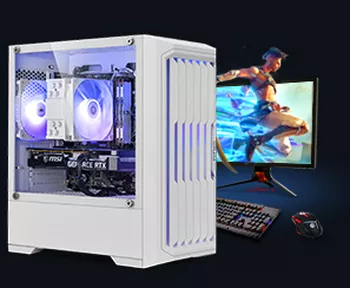
Processor: Intel Core i5-12400F
Video card: GeForce RTX 3050, 6GB
RAM: 32GB (16GBx2) DDR4 3200 MHz
Motherboard: Gigabyte B760M DS3H DDR4
SSD M2:SSD M.2 1TB / Kingston NV3
Free shipping

Processor: Intel Core i3-13100F
Video card: GeForce RTX 3060, 12GB
RAM: 32GB (16GBx2) DDR4 3200 MHz
Motherboard: Gigabyte H610M H V2 DDR4
SSD M2:SSD M.2 1TB / Kingston NV3
Free shipping

Processor: Intel Core i3-13100F
Video card: GeForce RTX 3060, 12GB
RAM: 32GB (16GBx2) DDR4 3200 MHz
Motherboard: Gigabyte H610M H V2 DDR4
SSD M2:SSD M.2 1TB / Kingston NV3
Free shipping

Processor: Intel Core i5-13400F
Video card: GeForce RTX 3060, 12GB
RAM: 32GB (16GBx2) DDR4 3200 MHz
Motherboard: Gigabyte B760M DS3H DDR4
SSD M2:SSD M.2 1TB / Kingston NV3
Free shipping
Processor: Intel Core i5-13400F
Video card: GeForce RTX 3060, 12GB
RAM: 32GB (16GBx2) DDR4 3200 MHz
Motherboard: Gigabyte B760M DS3H DDR4
SSD M2:SSD M.2 1TB / Kingston NV3
Free shipping
Processor: Intel Core i5-14400F
Video card: GeForce RTX 3060, 12GB
RAM: 32GB (16GBx2) DDR4 3200 MHz
Motherboard: Gigabyte B760M DS3H DDR4
SSD M2:SSD M.2 1TB / Kingston NV3
Free shipping
Processor: Intel Core i5-14400F
Video card: GeForce RTX 3060, 12GB
RAM: 32GB (16GBx2) DDR4 3200 MHz
Motherboard: Gigabyte B760M DS3H DDR4
SSD M2:SSD M.2 1TB / Kingston NV3