






How to clean a computer from dust
15/11/2024
How to clean your computer from dust: step-by-step guide from an expert
Dust is one of the worst enemies of computers and gaming systems. In Ukraine, as well as all over the world, many users face problems caused by dust on their devices. Dust accumulation can lead to overheating, component damage and deterioration of the overall performance of your PC. In this article I, as an experienced computer expert, will share recommendations on how to thoroughly clean your device.
Why it is important to clean dust from your computer
Over time, dust settling inside your computer can significantly reduce its efficiency. Here are a few reasons why dusting is a vital procedure:
Component overheating: Dust blocks ventilation, which can cause system components such as the processor and graphics card to overheat.
Increased noise: Accumulated dust can make the fans work harder, which increases noise levels.
Risk of failure: Excessive heat due to dust can cause damage to components, which can lead to costly repairs.
Reduced lifespan: Regular dusting helps extend the life of your PC.
How to prepare for computer cleaning
Before you start cleaning your PC, it is important to make preparations so that no harm is done to it:
Turn off and unplug: Turn off the computer completely and unplug it from the power supply.
Move toa suitable space: Move the device to a well-lit, ventilated area.
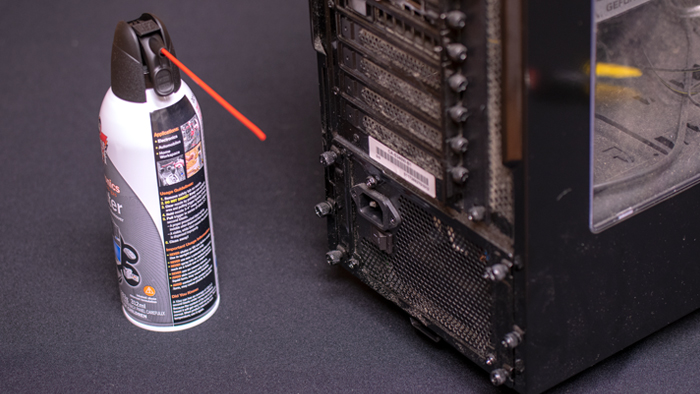
Prepare your equipment: You will need a small screwdriver, a vacuum cleaner with a soft attachment, a can of compressed air, and a cotton cloth or antistatic brush.
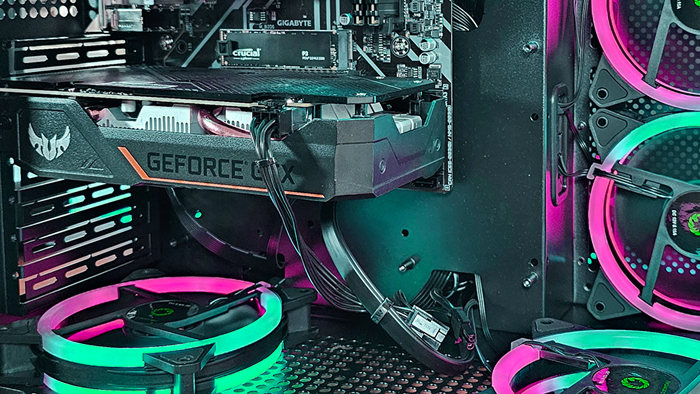
Dusting your computer: Cleaning the fans
Follow the simple but important steps to clean your gaming computer properly:
Open the case: Using a screwdriver, carefully remove the side panel of the case. Take care not to damage the fasteners or lose the screws.
Cleaning the fans:
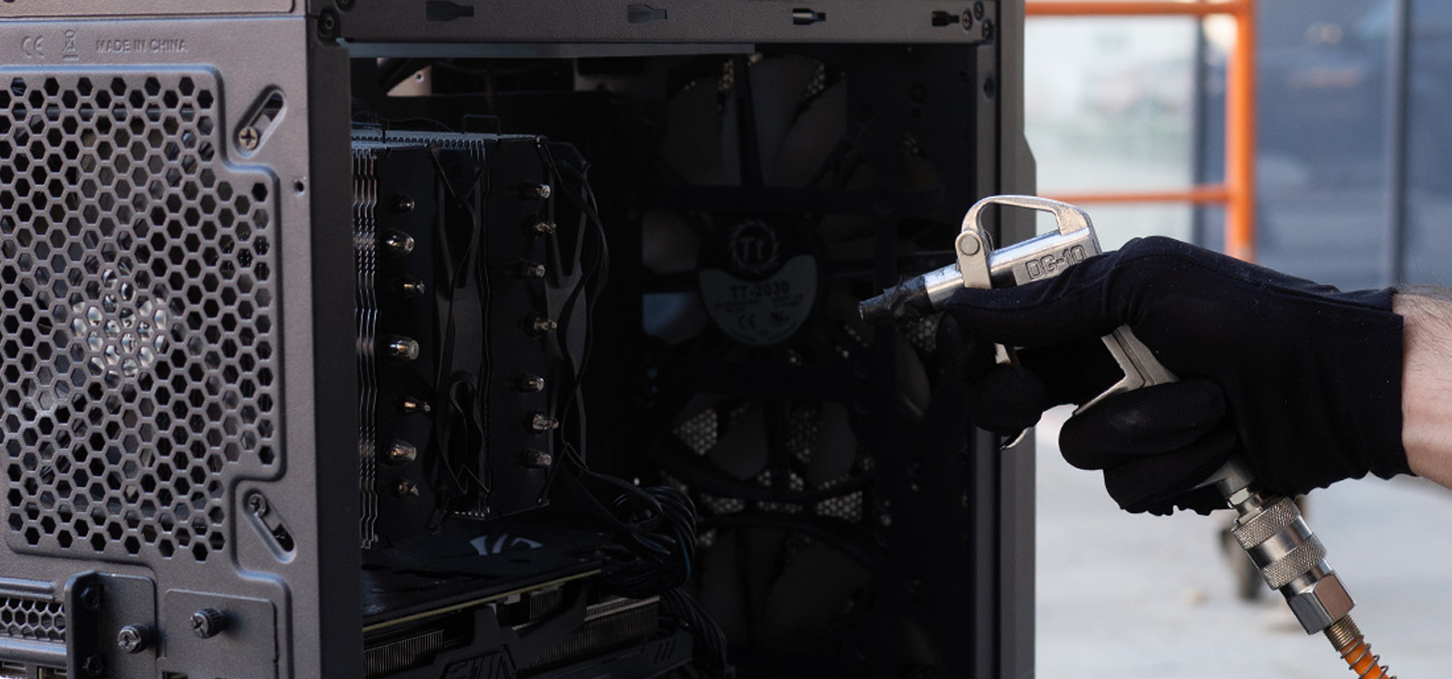
Case fans: Using a can of compressed air, blow dust off the fan blades and fan housings.
CPU cooler fan: Gently hold the blades and blow dust around the cooler.
Video card fan (if available): Repeat the same process with the fan on the graphics card.
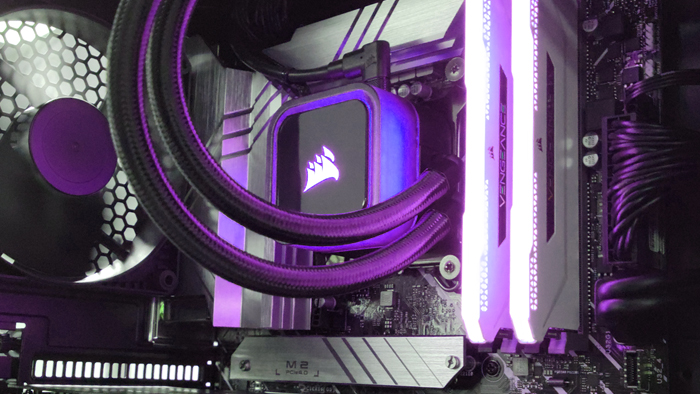
Steps to clean a computer from dust: Cleaning internal components
Cleaning internal components:
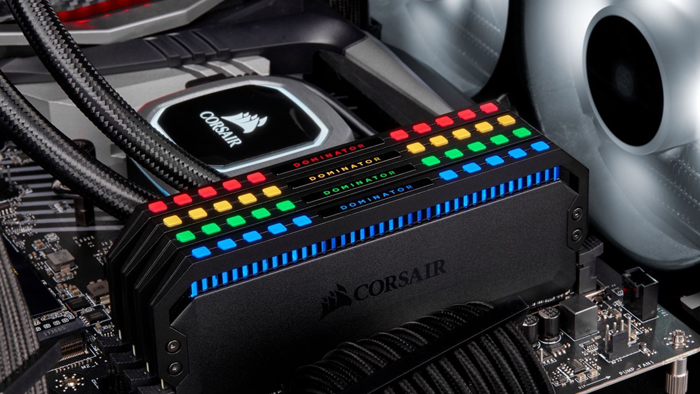
Motherboard and RAM: Make light bursts with compressed air, keeping in mind that the jet should be brief to avoid condensation.
Power supply: Do not disassemble the power supply yourself. Blow dust from the outside, through the protective grilles.
Additional recommendations:
Scheduled cleaning: Clean your PC regularly (every 6 months) to keep it in optimal condition.
Use filters: Equip the case with filters on the ventilation grilles to reduce dust from getting inside.

Frequently Asked Questions
How often should I clean my computer?
Regular cleaning every 4-6 months will help keep your components in perfect condition.
Can I use a regular vacuum cleaner?
We recommend using a small vacuum cleaner with a soft nozzle to avoid static electricity.
In conclusion, dusting your gaming PC is not only a way to keep it running reliably, but also a method to extend the life of the device. Keep it clean, and your PC will enjoy long-lasting performance!
Gaming PC gaming computers
Gaming Pc gaming computers are equipped with premium components that provide high reliability, system speed and performance in modern games.
 Free
Free shipping

Processor: Intel Core Ultra 9 285K
Video card: GeForce RTX 5070 Ti, 16GB
RAM: 32GB (16GBx2) DDR5 5600
Motherboard: ASRock Z890 PRO-A
SSD M2:SSD M.2 1TB / WD Blue SN580
Free shipping
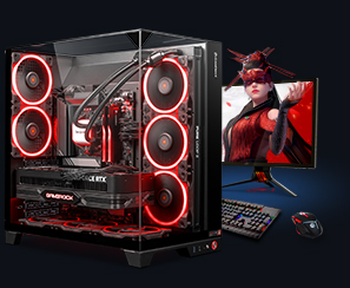
Processor: AMD Ryzen 7 7700
Video card: GeForce RTX 5070 Ti, 16GB
RAM: 32GB (16GBx2) DDR5 5600
Motherboard: Gigabyte B650M Gaming Plus WiFi
SSD M2:SSD M.2 1TB / WD Blue SN580
Free shipping

Processor: AMD Ryzen 7 7800X3D
Video card: GeForce RTX 5080, 16GB
RAM: 32GB (16GBx2) DDR5 5600
Motherboard: Gigabyte B650M Gaming Plus WiFi
SSD M2:SSD M.2 1TB / WD Blue SN580
Free shipping

Processor: Intel Core i5-12400F
Video card: GeForce RTX 3050, 6GB
RAM: 16GB (8GBx2) DDR4 3200 MHz
Motherboard: Asus Prime B760M-A D4-CSM
SSD M2:SSD M.2 500GB / MSI Spatium M371
Free shipping
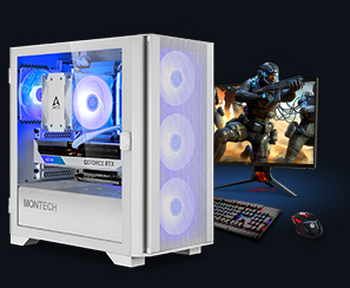
Processor: Intel Core i5-12400F
Video card: GeForce RTX 3050, 6GB
RAM: 32GB (16GBx2) DDR4 3200 MHz
Motherboard: Asus Prime B760M-A D4-CSM
SSD M2:SSD M.2 1TB / WD Blue SN580
Free shipping

Processor: Intel Core i3-13100F
Video card: GeForce RTX 3050, 6GB
RAM: 16GB (8GBx2) DDR4 3200 MHz
Motherboard: Gigabyte H610M H V2 DDR4
SSD M2:SSD M.2 500GB / MSI Spatium M371
Free shipping

Processor: Intel Core i3-13100F
Video card: GeForce RTX 3050, 6GB
RAM: 16GB (8GBx2) DDR4 3200 MHz
Motherboard: Gigabyte H610M H V2 DDR4
SSD M2:SSD M.2 1TB / WD Blue SN580
Free shipping

Processor: Intel Core i5 13600KF
Video card: GeForce RTX 5080, 16GB
RAM: 32GB (16GBx2) DDR5 5600
Motherboard: Asus TUF Gaming B760M-Plus II
SSD M2:SSD M.2 1TB / WD Blue SN580
Free shipping

Processor: Intel Core i5 14600KF
Video card: GeForce RTX 5080, 16GB
RAM: 32GB (16GBx2) DDR5 5600
Motherboard: Asus TUF Gaming B760M-Plus II
SSD M2:SSD M.2 1TB / WD Blue SN580
Free shipping

Processor: Intel Core i7-14700KF
Video card: GeForce RTX 5080, 16GB
RAM: 32GB (16GBx2) DDR5 5600
Motherboard: Gigabyte Z790 Eagle AX
SSD M2:SSD M.2 1TB / WD Blue SN580