






How to choose a good gaming PC?
04/04/2024
Choosing a Modern Gaming PC: A Strategy That Considers Every Detail
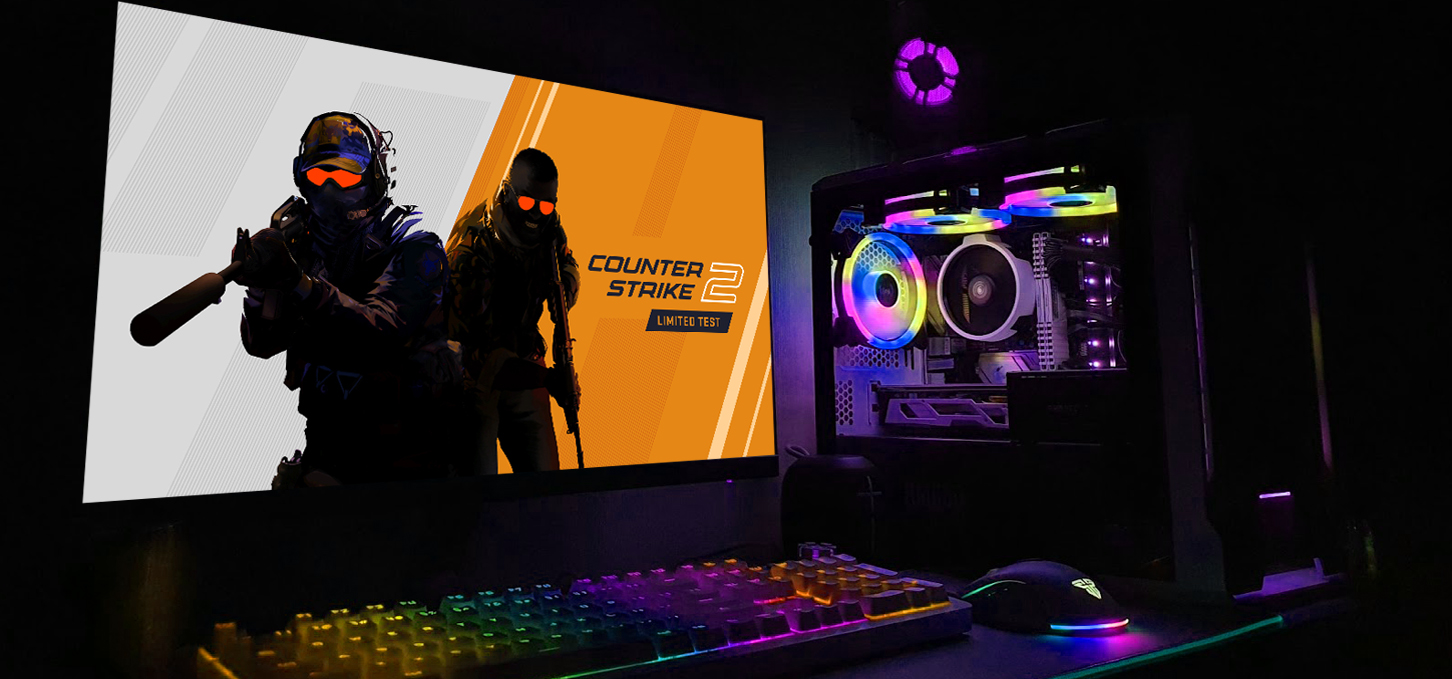
Choosing a good gaming PC is a task that requires a comprehensive approach and consideration of several factors, as modern games are becoming increasingly demanding on hardware. First and foremost, decisions should be guided by budget, purpose, and the types of games the computer will handle.
If the games have modest requirements, a more budget-friendly device with lower performance can suffice. Another important factor is resolution, which affects overall performance and visual quality when combined with high graphics settings. Still, selecting the right device can be challenging due to the wide variety of components and numerous manufacturers in the computer hardware market. This article will cover the key aspects to consider for making the best choice.
Step by Step to the Perfect Balance Between Budget and Performance
How to Choose a Good Gaming PC? Let’s start with the first and arguably most important aspect that determines the scope of selecting the best gaming PC — the budget. Component prices can vary significantly, and the total amount you plan to spend will dictate which parts you can afford. It’s crucial to find a balance between cost and performance.
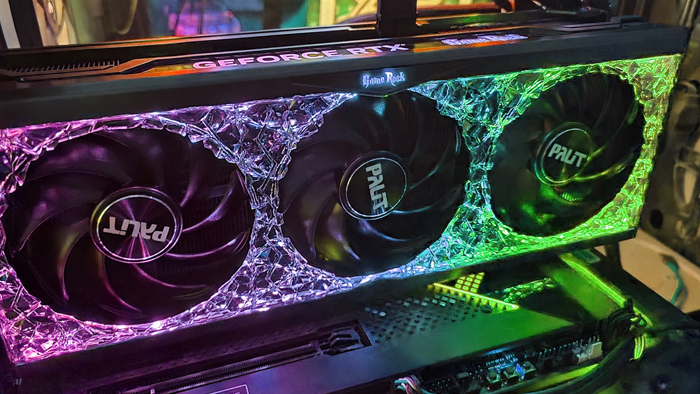
Once you have an estimated total cost for the system unit, the next most important step is choosing a graphics card. The GPU handles graphics processing and directly affects image quality and smoothness. Considering a system with an integrated GPU is pointless, as high performance is required. Pay attention to memory size, memory frequency, monitor resolution, and refresh rate — even the most powerful GPU won’t deliver more than 60 FPS on a 60 Hz monitor. Therefore, we recommend a gaming monitor with 120 Hz or higher.
For well-optimized, moderately demanding games in FHD (1920x1080p), an entry point would be a 3050 GPU, but we suggest considering next-generation cards like NVIDIA RTX 3060-4060 or AMD RX 7000 series. These GPUs will remain productive for years and provide reliable performance in intense battles across most popular titles.
Performance Optimization: Selecting the Ideal Processor and Optimal RAM
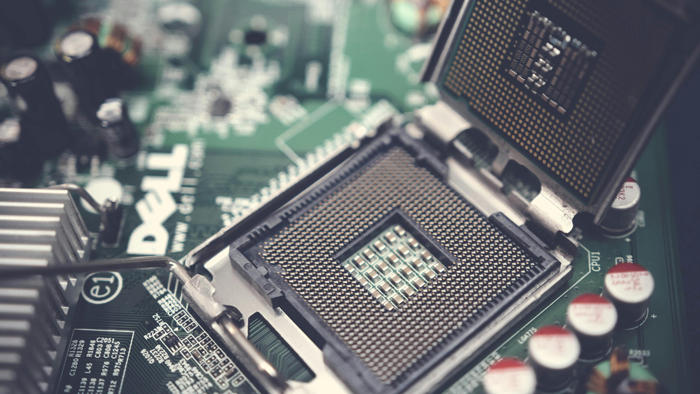
When deciding how to choose a gaming PC, the next important component is the processor, which also plays a crucial role in the performance of a good gaming system. The CPU handles data processing and executes commands. Its performance directly depends on the number of cores and threads. Each year, processors become more powerful and capable of handling tasks at higher levels than previous generations. Intel Core i3 and AMD Ryzen 3 serve as the “heart” of entry-level builds. For more demanding games, the optimal choice is Core i5, Core i7, as well as Ryzen 5 and Ryzen 7 from the latest generations. They offer impressive performance and are well-suited for any tasks or games.
Once the CPU is selected, it’s important to understand that RAM also impacts performance and multitasking capabilities. Currently, DDR4 and DDR5 RAM are commonly used. DDR5 operates at higher frequencies, boosting overall speed, but requires a compatible motherboard and is more expensive, typically used in mid-range and premium builds with 32 GB or more. DDR4 is suitable for entry-level and mid-range builds starting at 16 GB, is more affordable, still relevant, and provides solid performance.
Speed, Efficiency, and Comfort: Choosing the Best SSD and PC Case
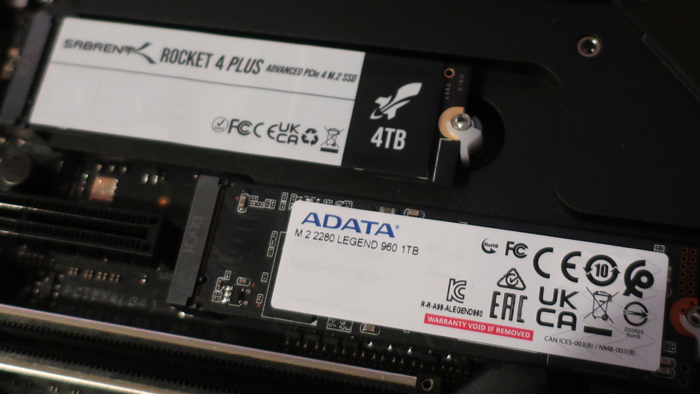
When storing a large amount of data and files, a storage drive is essential. Drives are divided into HDD and SSD types. A hard drive (HDD) is used for storing large files, archives, or other projects. However, for a gaming PC, this is not enough, so it should work with an SSD, which offers impressive read/write speeds. SSDs come in M.2 and SATA formats. M.2 drives are currently the best choice for their price, being significantly faster than other options and forming the backbone of modern gaming builds. It’s recommended not to skimp on the SSD and to choose the best option with ample capacity.
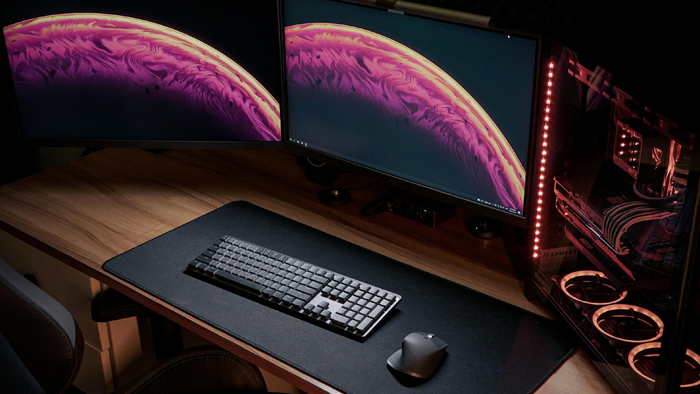
When choosing a PC case, pay attention to both appearance and the ventilation system and size. Manufacturers often offer cases with pre-installed fans that help reduce internal temperatures. The power supply unit (PSU) capacity depends on previous component choices, mainly the graphics card and processor. It also affects cooling efficiency and noise levels, so don’t overlook the quality and power of the PSU.
The Perfect Choice for a Reliable, Ready-to-Use Gaming PC
When faced with the task of choosing a good gaming PC, many users encounter various challenges, as this is a complex process that requires a comprehensive approach and depends on many factors. When making a choice, consider:
Your personal needs and preferences
Budget
Graphics card performance
Processor speed, number of cores, and threads
Type and frequency of RAM
Reliable power supply
Quiet and spacious case
Building a PC on your own requires certain knowledge, skills, and experience. An alternative is purchasing from Gaming PC store. Our manager will help select the optimal components, taking compatibility into account, while technical support and warranty service will assist you with any issues related to your computer.
Gaming PC gaming computers
Gaming PCs are specifically designed to maximize gaming performance, delivering impressive high-resolution graphics and stable frame rates to immerse you in the gaming world with maximum convenience.
 Free
Free shipping

Processor: Intel Core Ultra 9 285K
Video card: GeForce RTX 5070 Ti, 16GB
RAM: 32GB (16GBx2) DDR5 5600
Motherboard: ASRock Z890 PRO-A
SSD M2:SSD M.2 1TB / WD Blue SN580
Free shipping
Processor: AMD Ryzen 7 7700
Video card: GeForce RTX 5070 Ti, 16GB
RAM: 32GB (16GBx2) DDR5 5600
Motherboard: Gigabyte B650M Gaming Plus WiFi
SSD M2:SSD M.2 1TB / WD Blue SN580
Free shipping

Processor: AMD Ryzen 7 7800X3D
Video card: GeForce RTX 5080, 16GB
RAM: 32GB (16GBx2) DDR5 5600
Motherboard: Gigabyte B650M Gaming Plus WiFi
SSD M2:SSD M.2 1TB / WD Blue SN580
Free shipping

Processor: Intel Core i5 13600KF
Video card: GeForce RTX 5080, 16GB
RAM: 32GB (16GBx2) DDR5 5600
Motherboard: Asus TUF Gaming B760M-Plus II
SSD M2:SSD M.2 1TB / WD Blue SN580
Free shipping

Processor: Intel Core i5 14600KF
Video card: GeForce RTX 5080, 16GB
RAM: 32GB (16GBx2) DDR5 5600
Motherboard: Asus TUF Gaming B760M-Plus II
SSD M2:SSD M.2 1TB / WD Blue SN580
Free shipping

Processor: Intel Core i7-14700KF
Video card: GeForce RTX 5080, 16GB
RAM: 32GB (16GBx2) DDR5 5600
Motherboard: Gigabyte Z790 Eagle AX
SSD M2:SSD M.2 1TB / WD Blue SN580
Free shipping

Processor: Intel Core i7-13700KF
Video card: GeForce RTX 5080, 16GB
RAM: 32GB (16GBx2) DDR5 5600
Motherboard: Gigabyte Z790 Eagle AX
SSD M2:SSD M.2 1TB / WD Blue SN580
Free shipping

Processor: Intel Core i9-13900KF
Video card: GeForce RTX 5080, 16GB
RAM: 32GB (16GBx2) DDR5 5600
Motherboard: MSI PRO Z790-P WIFI
SSD M2:SSD M.2 1TB / WD Blue SN580
Free shipping
Processor: Intel Core i9-14900KF
Video card: GeForce RTX 5080, 16GB
RAM: 32GB (16GBx2) DDR5 5600
Motherboard: MSI PRO Z790-P WIFI
SSD M2:SSD M.2 1TB / WD Blue SN580
Free shipping

Processor: Intel Core Ultra 7 265KF
Video card: GeForce RTX 5080, 16GB
RAM: 32GB (16GBx2) DDR5 5600
Motherboard: ASRock Z890 PRO-A
SSD M2:SSD M.2 1TB / WD Blue SN580