






How to Choose a Graphics Card for a Gaming PC?
06/05/2024
Preparing to Choose a Graphics Card
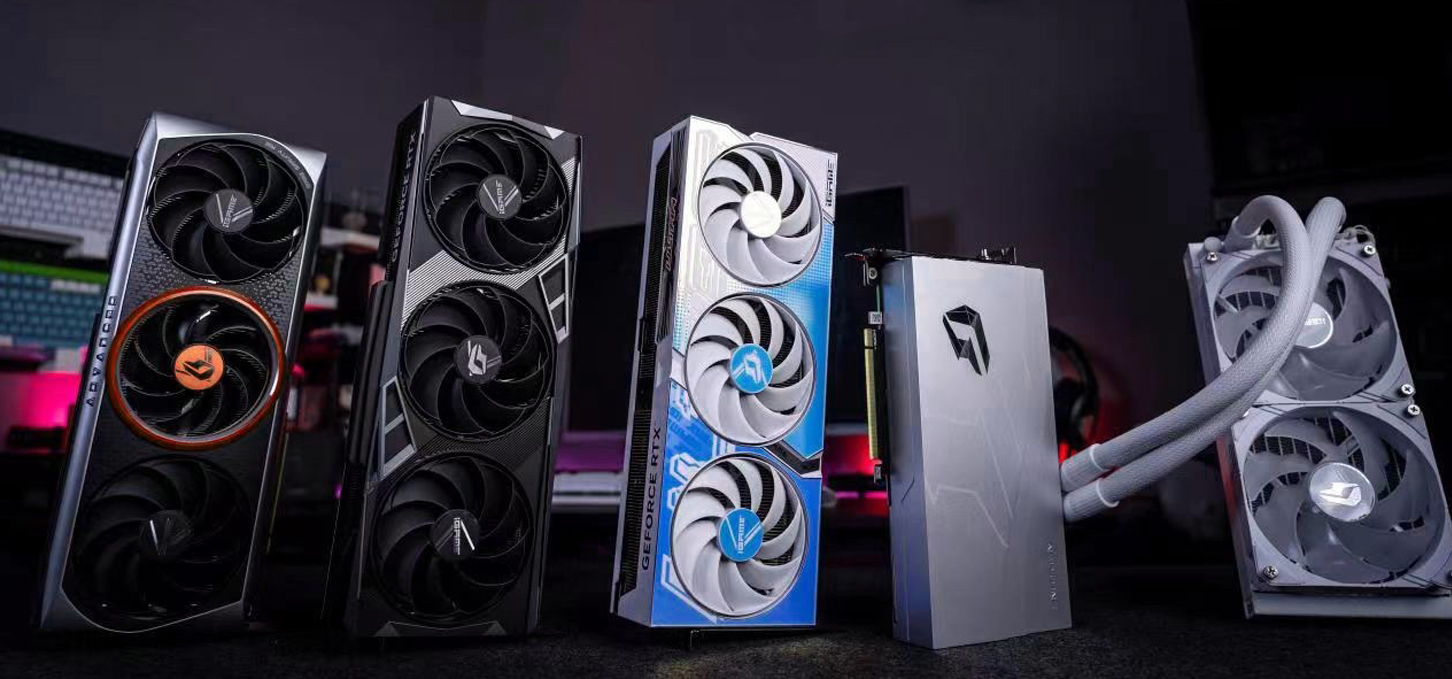
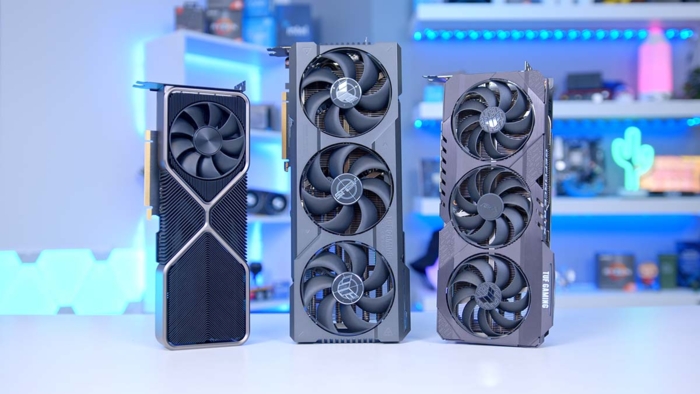
Building a gaming PC is an exciting yet complex process that requires careful selection of each component. Choosing a graphics card is one of the most important steps, as it handles graphics processing and determines gameplay quality and the level of visual detail. To understand how to choose a graphics card for a gaming PC, consider the following key parameters:
CPU compatibility
Graphics processor
Video memory size and type
Cooling system
Technology support
The graphics card should be selected alongside the processor, taking their combined performance into account. FPS depends on how well they work together, so a more powerful graphics card requires a higher-end CPU with more cores and threads.
Key Aspects When Choosing a Graphics Card
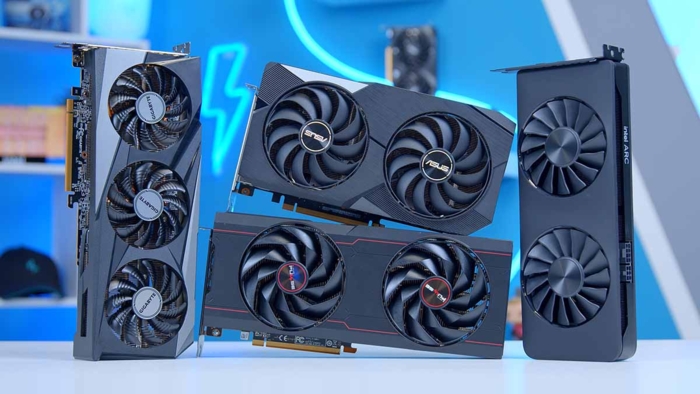
The graphics processor (GPU) is a specialized chip that handles graphical data and images. It plays a key role in the overall performance of a graphics card and controls the display on the screen. The GPU can process large amounts of data simultaneously and also affects the overall power of the graphics card.
The leading companies in the PC GPU market are NVIDIA and AMD. They have some differences and perform differently in various games, but on average, their performance is comparable. Generally, the higher the graphics card series, the more powerful the chip it contains.
To efficiently perform its tasks, the graphics card needs to store data for quick access. This is done using VRAM, which functions similarly to system RAM. Currently, GDDR6 and GDDR6X memory types are prevalent, with GDDR6X offering higher frequency and bandwidth.
The GPU’s clock speed and number of cores determine the overall performance of the card’s subsystem. Typically, the higher these numbers, the better the performance. Modern games require 6–8 GB of VRAM for comfortable FullHD gaming, while higher resolutions and graphics settings benefit from 10 GB or more.
Larger heatsinks and more fans provide better cooling for the card. It’s recommended not to skimp on this, as lower temperatures contribute to the longevity and reliability of components.
Technologies available on certain models also play an important role in graphics cards. For example, ray tracing simulates realistic lighting, reflections, and shadows in real time. This technology is widely used in modern games and enhances the overall visual experience.
DLSS technology uses artificial intelligence to improve image quality while simultaneously increasing FPS, allowing the GPU to maximize performance when using ray tracing. The latest generation of cards supporting this technology delivers impressive results thanks to more efficient resource utilization.
Recommendations for Different Budgets
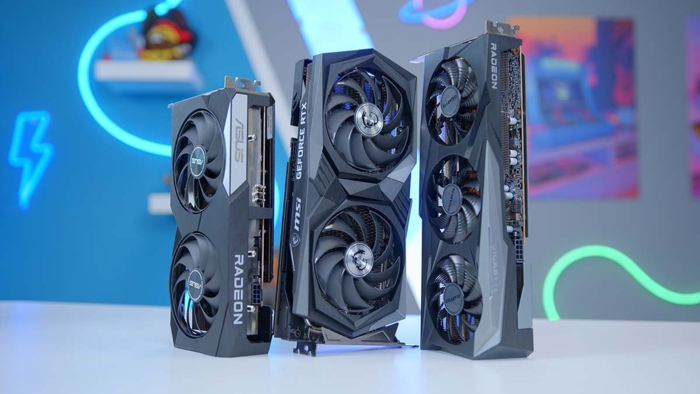
For budget entry-level systems, graphics card options starting from the RTX 3050 can be considered. However, it’s better to choose between NVIDIA RTX 3060–4060 and AMD RX 600 series, as they deliver excellent performance in most games at FullHD (1920x1080p) resolution.
For more comfortable gaming, we recommend choosing the latest-generation options. For 2K gaming, the optimal choice would be RTX 4070–4070 Ti Super or AMD’s 700 series.
For maximum performance, select higher-end models such as RTX 4080–4090 or AMD 800 series.
Clearly, gaming requires a powerful next-generation 3D accelerator that supports modern rendering technologies, enhancing image quality and increasing FPS.
Learning how to choose a graphics card for a gaming PC can raise many questions and challenges, so the best option is to consult professionals in PC builds. The Gaming PC online store has extensive experience in gaming builds and is ready to assist in assembling your system unit.
Gaming PC gaming computers
Gaming Pc gaming computers from Gaming Pc are equipped with new and high performance graphics cards from the best manufacturers to provide the best performance in gaming.
 Free
Free shipping

Processor: Intel Core Ultra 9 285K
Video card: GeForce RTX 5070 Ti, 16GB
RAM: 32GB (16GBx2) DDR5 5600
Motherboard: ASRock Z890 PRO-A
SSD M2:SSD M.2 1TB / M.2 MSI M470 Pro
Free shipping
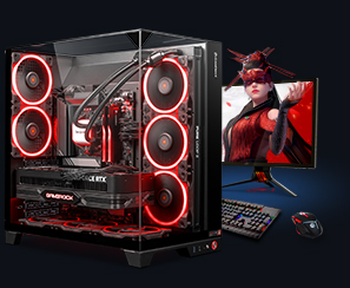
Processor: AMD Ryzen 7 7700
Video card: GeForce RTX 5070 Ti, 16GB
RAM: 32GB (16GBx2) DDR5 5600
Motherboard: Gigabyte B650M Gaming Plus WiFi
SSD M2:SSD M.2 1TB / M.2 MSI M470 Pro
Free shipping
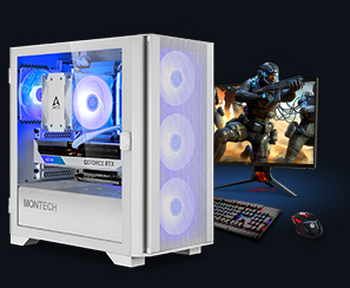
Processor: Intel Core i5-12400F
Video card: GeForce RTX 3050, 6GB
RAM: 32GB (16GBx2) DDR4 3200 MHz
Motherboard: Gigabyte B760M DS3H DDR4
SSD M2:SSD M.2 1TB / M.2 MSI M470 Pro
Free shipping

Processor: Intel Core i5 13600KF
Video card: GeForce RTX 5080, 16GB
RAM: 32GB (16GBx2) DDR5 5600
Motherboard: Asus TUF Gaming B760M-Plus II
SSD M2:SSD M.2 1TB / M.2 MSI M470 Pro
Free shipping
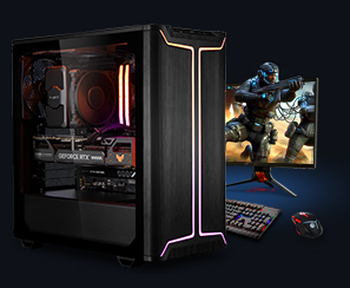
Processor: Intel Core i5 14600KF
Video card: GeForce RTX 5080, 16GB
RAM: 32GB (16GBx2) DDR5 5600
Motherboard: Asus TUF Gaming B760M-Plus II
SSD M2:SSD M.2 1TB / M.2 MSI M470 Pro
Free shipping

Processor: Intel Core i7-14700KF
Video card: GeForce RTX 5080, 16GB
RAM: 32GB (16GBx2) DDR5 5600
Motherboard: Gigabyte Z790 Eagle AX
SSD M2:SSD M.2 1TB / M.2 MSI M470 Pro
Free shipping

Processor: Intel Core i7-13700KF
Video card: GeForce RTX 5080, 16GB
RAM: 32GB (16GBx2) DDR5 5600
Motherboard: Gigabyte Z790 Eagle AX
SSD M2:SSD M.2 1TB / M.2 MSI M470 Pro
Free shipping

Processor: Intel Core i9-13900KF
Video card: GeForce RTX 5080, 16GB
RAM: 32GB (16GBx2) DDR5 5600
Motherboard: MSI Z790 Gaming Plus WiFi
SSD M2:SSD M.2 1TB / M.2 MSI M470 Pro
Free shipping

Processor: Intel Core Ultra 7 265KF
Video card: GeForce RTX 5080, 16GB
RAM: 32GB (16GBx2) DDR5 5600
Motherboard: ASRock Z890 PRO-A
SSD M2:SSD M.2 1TB / M.2 MSI M470 Pro
Free shipping

Processor: AMD Ryzen 7 7700
Video card: GeForce RTX 5080, 16GB
RAM: 32GB (16GBx2) DDR5 5600
Motherboard: Gigabyte B650M Gaming Plus WiFi
SSD M2:SSD M.2 1TB / M.2 MSI M470 Pro
Recommended reading

PC for Elden Ring Nightreign
on May 30, 2025, FromSoftware and Bandai Namco Entertainment unveiled a new game, Elden Ring: Nightreign, which is a spin-off and prequel to the...
More details
Computer for STALKER 2
S.T.A.L.K.E.R. 2: Heart of Chernobyl is the sequel to the legendary franchise from GSC Game World, which was warmly welcomed by both players and...
More details
PC for Pragmata
PRAGMATA is one of the most interesting future Capcom novelties, combining a sci-fi action-adventure movie, a story about a lunar station, battles...
More details