






How many cores should a gaming computer have?
15/04/2024
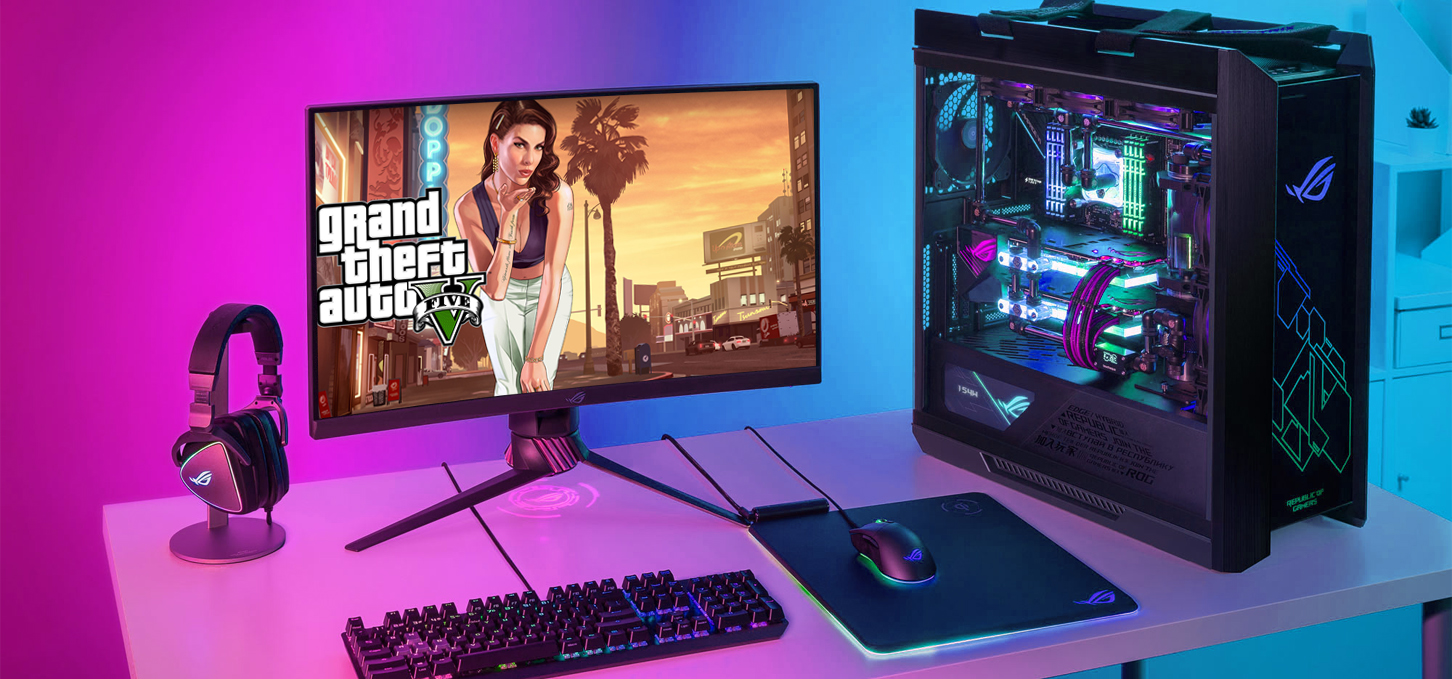

Considering cores: optimal performance for a gaming PC
When choosing a new PC, the question often arises: "how many cores should a gaming computer have?". This question can cause some debate among gamers and PC enthusiasts and the answer is not as simple as it seems. It is important to consider the following factors:
Clock speed
Cache memory
Architecture
Software optimization
Modern PCs use multi-core processors, this is when it consists of multiple physical cores, each capable of processing separate tasks in parallel. The core is the basic unit of the CPU. It is where math calculations and logical operations are performed. It may seem that the more of them, the better the performance in games, but this is not quite true. Of course, a large number of cores helps to increase the efficiency of information processing, which improves performance in various cases, but most modern games are well optimized by developers, so this statement will be more true for work tasks.
The clock frequency determines the speed at which each core operates. Basically, the higher it is, the faster the data is processed. You need to keep a balance between the two, as a large number of cores at a low frequency will not lead to a significant performance gain.
Modern CPUs have auto overclocking functions and are able to increase the frequency independently depending on the workload and show a high level of performance. Cache memory also plays an important role in performance. More cache memory will allow you to store more data and access it faster.
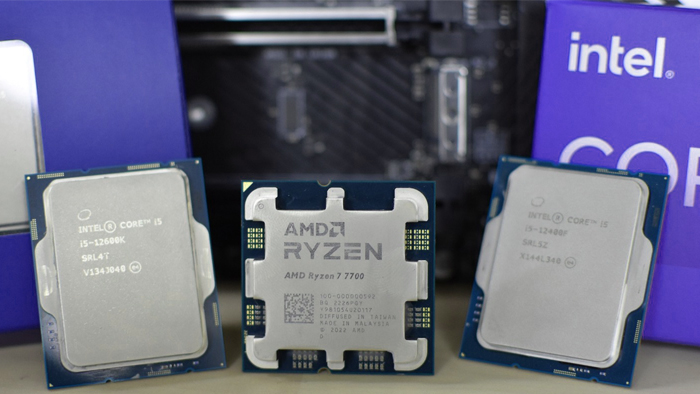
Evolution of gaming PCs: processor selection and optimal number of cores
For an entry level gamer PC, you should start with a processor from 4 high performance cores, such as Intel Core i3 from the 12th and 13th or with 6 cores AMD Ryzen 5 3000 and 5000 generation. They support DDR4 RAM, which reduces the cost of the PC as a whole and show good performance in both work and gaming tasks.
For optimal builds the number of high-performance cores starts from 6-8. New generation Core i5 and Ryzen 5 CPUs show good energy efficiency and performance in gaming system units. They support the latest version of RAM - DDR5, which also significantly speeds up processing and performance in demanding tasks. Also, it provides a basis for further upgrading the build with the release of new generations of components.
High-performance gaming assemblies have from 8 cores and are able to cooperate with top-level graphics cards, which will not lead to incomplete functioning of the GPU, using resources to the maximum. Core i7 and Ryzen 7 processors will perfectly cope with these tasks.
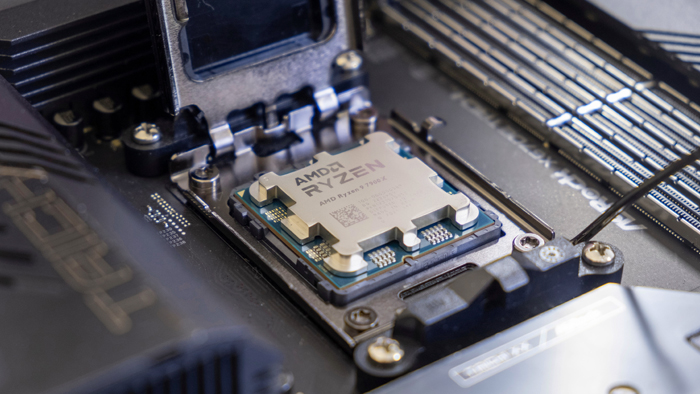
CPUs for gaming and work: a look at high-performance cores
CPUs that have more than 10 high-performance cores are more suitable for work processes, so the performance gain in games is insignificant, but if in parallel you need to conduct game streaming, it is worth paying attention to them, because it will greatly facilitate and improve the overall experience of the game world.
In the end, the choice of the number of cores in a gaming computer depends on individual needs, budget, plans for future upgrades and the level of games needed by the user. The Gaming Pc team will help to take into account all aspects and advise the best choice depending on the needs and capabilities of the buyer.
Gaming PC gaming computers
Gaming Pc's are built with processors from Intel and AMD, specifically designed to deliver maximum performance and stunning graphics in games.
 Free
Free shipping

Processor: Intel Core Ultra 9 285K
Video card: GeForce RTX 5070 Ti, 16GB
RAM: 32GB (16GBx2) DDR5 5600
Motherboard: ASRock Z890 PRO-A
SSD M2:SSD M.2 1TB / M.2 MSI M470 Pro
Free shipping
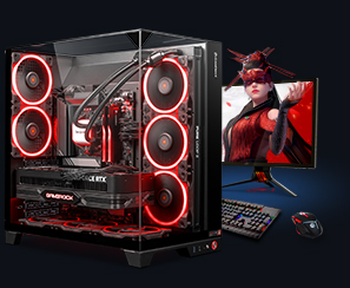
Processor: AMD Ryzen 7 7700
Video card: GeForce RTX 5070 Ti, 16GB
RAM: 32GB (16GBx2) DDR5 5600
Motherboard: Gigabyte B650M Gaming Plus WiFi
SSD M2:SSD M.2 1TB / M.2 MSI M470 Pro
Free shipping

Processor: AMD Ryzen 7 7800X3D
Video card: GeForce RTX 5080, 16GB
RAM: 32GB (16GBx2) DDR5 5600
Motherboard: Gigabyte B650M Gaming Plus WiFi
SSD M2:SSD M.2 1TB / M.2 MSI M470 Pro
Free shipping

Processor: Intel Core i5 13600KF
Video card: GeForce RTX 5080, 16GB
RAM: 32GB (16GBx2) DDR5 5600
Motherboard: Asus TUF Gaming B760M-Plus II
SSD M2:SSD M.2 1TB / M.2 MSI M470 Pro
Free shipping
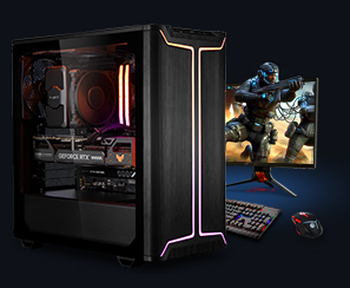
Processor: Intel Core i5 14600KF
Video card: GeForce RTX 5080, 16GB
RAM: 32GB (16GBx2) DDR5 5600
Motherboard: Asus TUF Gaming B760M-Plus II
SSD M2:SSD M.2 1TB / M.2 MSI M470 Pro
Free shipping

Processor: Intel Core i7-14700KF
Video card: GeForce RTX 5080, 16GB
RAM: 32GB (16GBx2) DDR5 5600
Motherboard: Gigabyte Z790 Eagle AX
SSD M2:SSD M.2 1TB / M.2 MSI M470 Pro
Free shipping

Processor: Intel Core i7-13700KF
Video card: GeForce RTX 5080, 16GB
RAM: 32GB (16GBx2) DDR5 5600
Motherboard: Gigabyte Z790 Eagle AX
SSD M2:SSD M.2 1TB / M.2 MSI M470 Pro
Free shipping

Processor: Intel Core i9-13900KF
Video card: GeForce RTX 5080, 16GB
RAM: 32GB (16GBx2) DDR5 5600
Motherboard: MSI Z790 Gaming Plus WiFi
SSD M2:SSD M.2 1TB / M.2 MSI M470 Pro
Free shipping
Processor: Intel Core i9-14900KF
Video card: GeForce RTX 5080, 16GB
RAM: 32GB (16GBx2) DDR5 5600
Motherboard: MSI Z790 Gaming Plus WiFi
SSD M2:SSD M.2 1TB / M.2 MSI M470 Pro
Free shipping

Processor: Intel Core Ultra 7 265KF
Video card: GeForce RTX 5080, 16GB
RAM: 32GB (16GBx2) DDR5 5600
Motherboard: ASRock Z890 PRO-A
SSD M2:SSD M.2 1TB / M.2 MSI M470 Pro
Recommended reading

PC for Wuchang Fallen Feathers
In this article, we'll take a closer look at how to prepare for launching and comfortably playing Wuchang: Fallen Feathers. First, let's...
More details
How do you make your computer a gaming computer?
Every year video games improve and become more and more attractive in terms of graphics and gameplay, but at the same time they become more demanding...
More details
Computers for mining
With the advent of cryptocurrency such as Bitcoin, mining - the process of verifying and adding transactions to the blockchain, it has become a...
More details