






How to choose components for a gaming PC?
25/04/2024
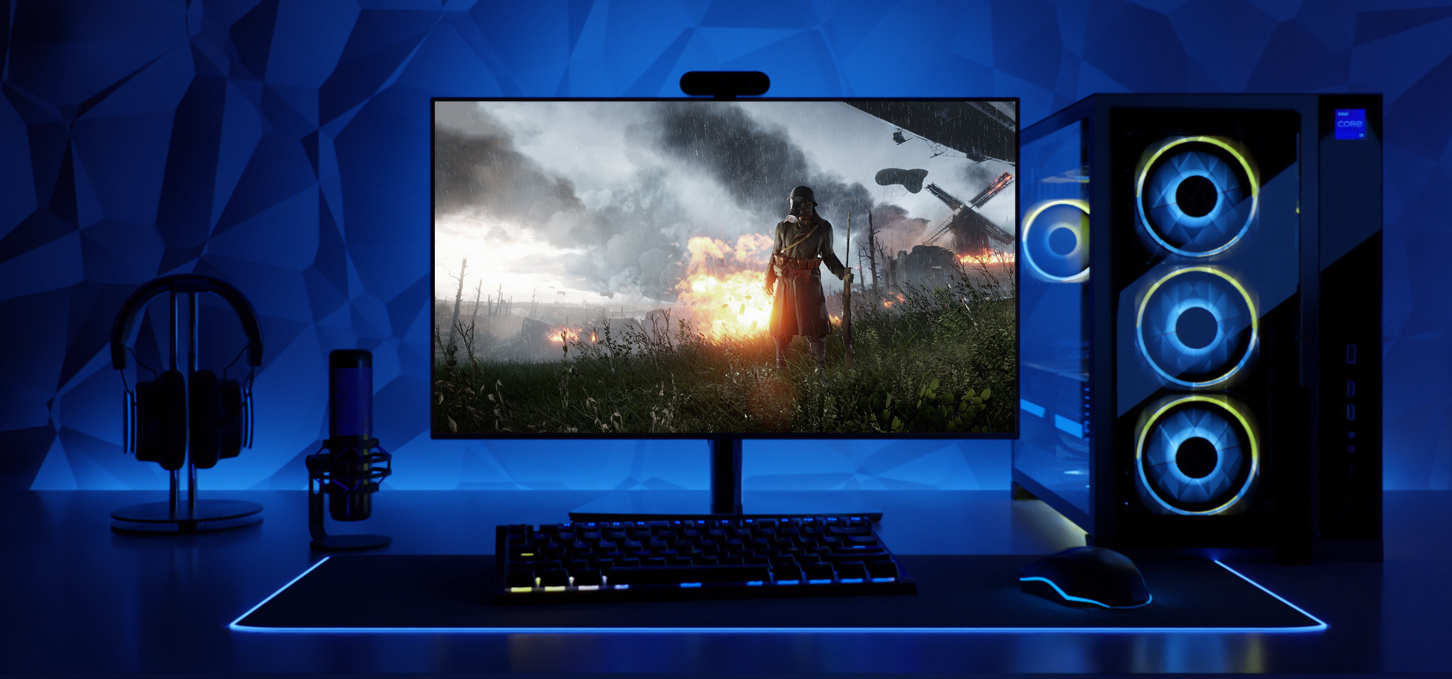
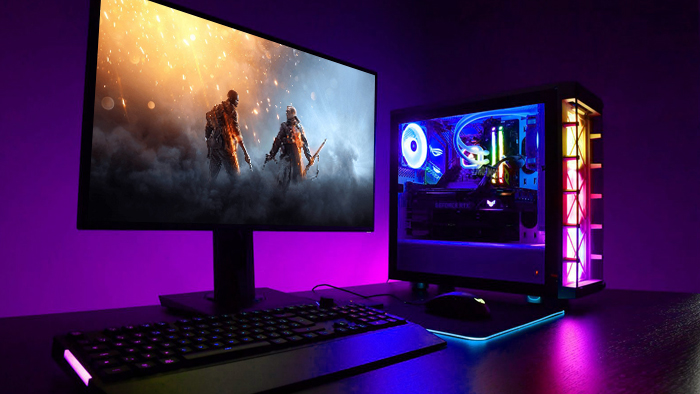
Enjoyment in every detail: What components you need for a gaming PC
Choosing components for a gaming computer is an exciting and challenging process, as the right selection determines the quality and performance of the system. Among all the various component choices in the market, making the right one may not be easy. However, with a proper understanding of your budget, needs and requirements, it is possible to create the perfect gaming machine. Gaming Pc will tell you how to pick components for a gaming PC.
For a fully functioning system unit, we need an understanding of such basic components:
Processor and cooling for it
RAM
Video card
Motherboard
SSD drive
Power supply
Case
Before you start selecting components you need to determine your needs, take into account the compatibility of all components, the requirements of modern games, monitor resolution, the need for other work tasks, etc.
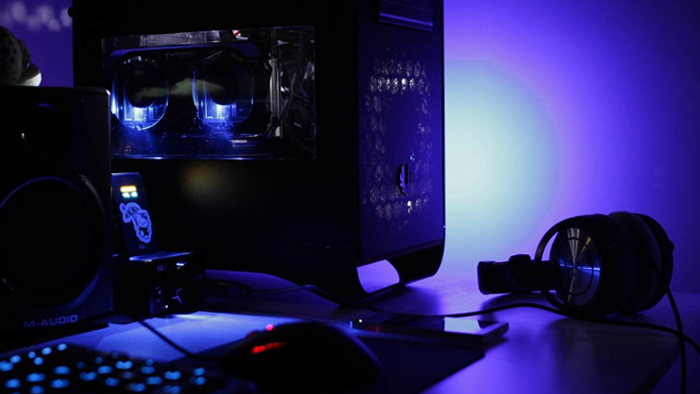
Theory and practice: the basic components of a gaming PC
In system requirements, games are primarily focused on the processor, RAM and graphics card. These are the components that make up the majority of the cost of the computer, so they are the place to start. When choosing a processor, it is also important to consider a compatible motherboard with enough connectors for other devices.
In initial builds, you can focus on CPUs of the latest and previous generations of Intel Core i3 or AMD Ryzen 5 with support for DDR4 RAM, which will reduce the cost on a limited budget with not bad performance. Modern games increasingly need RAM of 16GB or more, so this size will be the best option. Adding a graphics card RTX 3050-4060 or AMD RX 7000 series oriented on the budget will get a gaming machine to start traveling around the virtual world.
For a more powerful PC it is worth considering Core i5 12-14 generations or Ryzen 5 7000- with support for DDR5 memory and new mid-level GPU performance, which will be enough for all current games.
Powerful builds with Ryzen 7 and Core i7 processors will be productive for a long time. For them it is better to choose 32 GB RAM DDR5 and a graphics card at the level of RTX 4070 or better. Core i9 and Ryzen 9 will be the best option, for various tasks between games like streaming broadcasts, rendering or 3D modeling, etc.
When choosing a processor, it is also important to keep in mind that they get very warm, so they need efficient cooling for stable and productive performance.
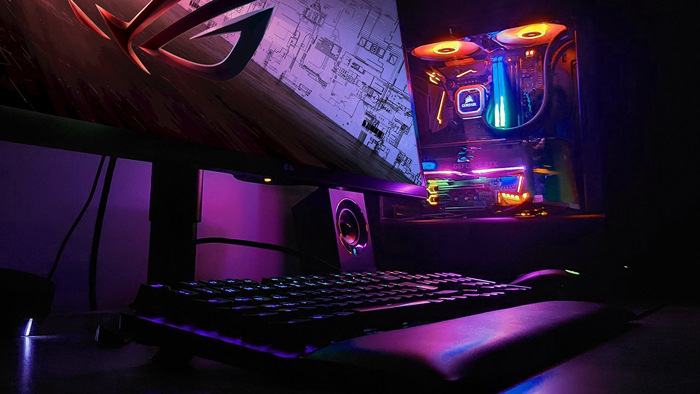
Successful Gaming PC: Choosing an SSD, Power Supply and Case
Today it is impossible to imagine a productive PC without an SSD drive, which replaced hard disks. They are divided into M.2 and SATA SSD. M.2 show the best result compared to all other drives, so it is the one that should be in every gaming PC. The size depends on the budget, so choose the best option regardless of the type of build.
Choosing a power supply, which plays an important role in the stable and reliable operation of other components, we focus on the previous components. We advise not to save on it and choose a well-known manufacturer with a positive reputation.
When choosing a case, we take into account not only the appearance and the presence of backlighting, but also the form factor of the motherboard, the number of fans installed and the presence of dust filters. Massive graphics cards need a large case, because their size increases with each generation. A large size will give the opportunity to place more fans and improve the cooling system as well as an increased possibility of compatibility of components.
After answering the question "how to choose components for a gaming computer?", it becomes clear that it is important to balance the performance, quality and budget of all components. This can be a task that can be difficult for a novice user to handle on their own. Gaming Pc online store can help you choose the best components and make the assembly process easy and productive.
Gaming PC gaming computers
Gaming Pc gaming computers are equipped with premium components with high reliability, which ensures fast operation of the whole system and productivity in modern games.
 Free
Free shipping

Processor: Intel Core Ultra 9 285K
Video card: GeForce RTX 5070 Ti, 16GB
RAM: 32GB (16GBx2) DDR5 5600
Motherboard: ASRock Z890 PRO-A
SSD M2:SSD M.2 1TB / M.2 MSI M470 Pro
Free shipping
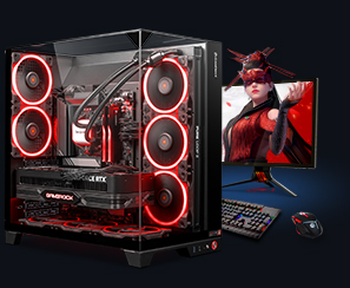
Processor: AMD Ryzen 7 7700
Video card: GeForce RTX 5070 Ti, 16GB
RAM: 32GB (16GBx2) DDR5 5600
Motherboard: Gigabyte B650M Gaming Plus WiFi
SSD M2:SSD M.2 1TB / M.2 MSI M470 Pro
Free shipping

Processor: Intel Core i5-12400F
Video card: GeForce RTX 3050, 6GB
RAM: 16GB (8GBx2) DDR4 3200 MHz
Motherboard: Gigabyte B760M DS3H DDR4
SSD M2:SSD M.2 500GB / Gigabyte Gen4 4000E
Free shipping
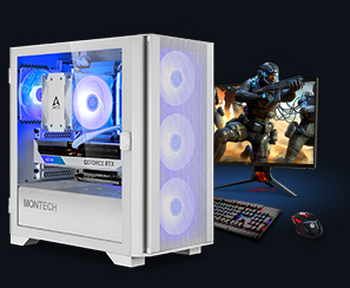
Processor: Intel Core i5-12400F
Video card: GeForce RTX 3050, 6GB
RAM: 32GB (16GBx2) DDR4 3200 MHz
Motherboard: Gigabyte B760M DS3H DDR4
SSD M2:SSD M.2 1TB / M.2 MSI M470 Pro
Free shipping

Processor: Intel Core i3-13100F
Video card: GeForce RTX 3050, 6GB
RAM: 16GB (8GBx2) DDR4 3200 MHz
Motherboard: Gigabyte H610M H V2 DDR4
SSD M2:SSD M.2 500GB / Gigabyte Gen4 4000E
Free shipping

Processor: Intel Core i3-13100F
Video card: GeForce RTX 3050, 6GB
RAM: 16GB (8GBx2) DDR4 3200 MHz
Motherboard: Gigabyte H610M H V2 DDR4
SSD M2:SSD M.2 1TB / M.2 MSI M470 Pro
Free shipping

Processor: Intel Core i5 13600KF
Video card: GeForce RTX 5080, 16GB
RAM: 32GB (16GBx2) DDR5 5600
Motherboard: Asus TUF Gaming B760M-Plus II
SSD M2:SSD M.2 1TB / M.2 MSI M470 Pro
Free shipping
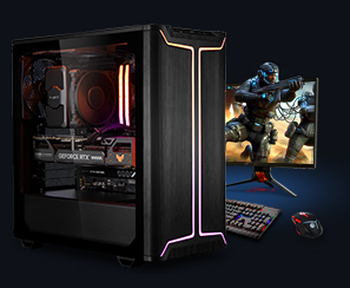
Processor: Intel Core i5 14600KF
Video card: GeForce RTX 5080, 16GB
RAM: 32GB (16GBx2) DDR5 5600
Motherboard: Asus TUF Gaming B760M-Plus II
SSD M2:SSD M.2 1TB / M.2 MSI M470 Pro
Free shipping

Processor: AMD Ryzen 7 7700
Video card: GeForce RTX 5080, 16GB
RAM: 32GB (16GBx2) DDR5 5600
Motherboard: Gigabyte B650M Gaming Plus WiFi
SSD M2:SSD M.2 1TB / M.2 MSI M470 Pro
Free shipping
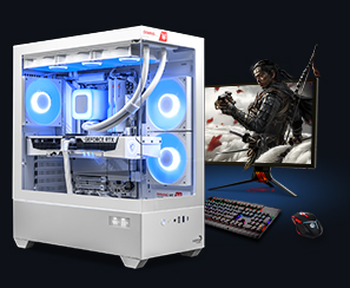
Processor: AMD Ryzen 7 9700X
Video card: GeForce RTX 5080, 16GB
RAM: 32GB (16GBx2) DDR5 5600
Motherboard: Gigabyte B650M Gaming Plus WiFi
SSD M2:SSD M.2 1TB / M.2 MSI M470 Pro
Recommended reading

PC for SILENT HILL f
In this article from the GamingPC online store, we will look at the system requirements of Silent Hill f and give practical advice on how to build a...
More details
How many cores should a gaming computer have?
When choosing a new PC, the question often arises: "how many cores should a gaming computer have?". This question can cause some debate...
More details
How to properly install RAM on your computer
Installing RAM may seem like a daunting task for beginners, but with the right information and approach, you can easily accomplish this task on your...
More details